11 Email Marketing Best Practices to Boost Opens
Categories: Legal Marketing Strategies
 Abram Ninoyan
Founder & Senior Performance Marketer
Credentials: Google Partner, Google Ads Search Certified, Google Ads Display Certified, Google Ads Measurement Certified, Google Analytics (IQ) Certified, HubSpot Inbound Certified, HubSpot Social Media Marketing Certified, Conversion Optimization Certified
Expertise: Google Ads, Meta Ads, Conversion Rate Optimization, GA4 & Google Tag Manager, Lead Generation, Marketing Funnel Optimization, PPC Management
LinkedIn Profile
Most law firms collect email addresses from consultations, website forms, and networking events, then do almost nothing with them. That's a missed opportunity. When done right, email marketing best pr...
Key Takeaways
- 11 Email Marketing Best Practices to Boost Opens in 2026
- 1. Connect email to signed cases
- 2. Build a permission-based list
- 3. Use double opt-in and clear expectations
11 Email Marketing Best Practices to Boost Opens in 2026
Most law firms collect email addresses from consultations, website forms, and networking events, then do almost nothing with them. That's a missed opportunity. When done right, email marketing best practices can turn a dormant contact list into a steady pipeline of signed cases without spending another dollar on ads.
But "done right" is doing a lot of heavy lifting in that sentence. Open rates across the legal industry have shifted significantly heading into 2026, thanks to stricter inbox filtering from Google and Yahoo, evolving privacy regulations, and audiences that are more selective about what they actually read. What worked two years ago, generic newsletters, batch-and-blast sends, now gets filtered or ignored.
At GavelGrow, we build full-funnel marketing systems for law firms, and email remains one of the highest-ROI channels we deploy for client retention and lead nurturing. We've seen firsthand what separates campaigns that drive consultations from ones that collect dust in the promotions tab.
This guide breaks down 11 specific, actionable practices to help you write better emails, reach more inboxes, and turn opens into real engagement, whether you're running a solo practice or managing marketing for a mid-sized firm.
1. Connect email to signed cases
Most firms treat email as a standalone task rather than a component of a revenue-generating system. The first of the email marketing best practices in this guide is also the most overlooked: tie every email you send back to a specific business outcome, meaning moving a contact closer to a signed retainer.
What to do
Map your email sequences to the stages a potential client moves through before they hire you. A lead who downloaded your personal injury checklist needs different messaging than a former client you want to ask for a referral. Define one clear goal per email, whether that's booking a consultation, completing an intake form, or re-engaging a cold contact, and write the entire message to serve that single objective only.
Why it boosts opens
When your emails carry relevant, goal-specific content, recipients open more consistently because they recognize the value immediately. A subject line tied to a specific practice area or legal situation the reader already flagged outperforms a generic firm newsletter every time. People open emails that feel written for their situation, not broadcast at a full contact list.
Relevance is the single biggest driver of open rates. When a contact feels like the email was written specifically for their situation, they open it.
How GavelGrow can help set this up
GavelGrow builds automated email sequences mapped directly to your intake and CRM data, so each contact receives messaging that matches where they are in the decision process. We connect your email platform to your lead sources, track which sequences produce signed retainers versus dead ends, and adjust the messaging based on real conversion data rather than guesswork.
Quick checklist
Run through this before you send any campaign:
- Define one goal per email (consultation booking, referral request, intake completion)
- Segment contacts by where they came from and what they inquired about
- Write the subject line and body copy to serve that single goal
- Add one clear call to action that points to the next logical step
- Confirm your email platform tracks clicks through to your intake form
2. Build a permission-based list
Sending emails to contacts who never asked to hear from you is a direct path to damaged sender reputation and spam folder placement. Permission-based lists sit at the core of every email marketing best practice because inbox providers evaluate engagement signals to decide where your messages land, and a list full of unwilling recipients sends the wrong signal every time.
What to do
Only add contacts who have explicitly agreed to receive emails from your firm. Record the opt-in source and date for every contact you add, without exception.
- Add opt-in checkboxes to all website and intake forms
- Collect consent during consultation follow-ups
- Never add contacts from business cards or purchased lists
Why it boosts opens
Contacts who chose to receive your emails open them far more consistently than anyone added without consent. That positive engagement tells inbox providers like Google that your messages are welcome.
A smaller, high-consent list outperforms a large cold list on every deliverability metric that matters.
Disengaged or unwilling recipients pull down your overall open rate and train spam filters to treat your domain as a low-trust sender.
How to apply it in a law firm
Add a visible opt-in checkbox to every intake and contact form on your site. During consultations, ask the prospective client directly whether they want to receive legal updates or follow-up resources by email. Never import a list you purchased or inherited.
Quick checklist
Confirm these steps before adding any new contact to your firm's email list:
- Verify explicit opt-in was recorded with a source and date
- Remove contacts that lack a documented consent record
- Audit existing lists for any purchased or imported contacts
3. Use double opt-in and clear expectations
Double opt-in adds a confirmation step after someone submits their email address. They receive a verification email and must click to confirm before landing on your active list. This separates genuine interest from accidental or invalid submissions.
What to do
Set your email platform to require confirmation before activating any new subscriber. Also tell contacts upfront what they're signing up for: your send frequency and the topics you'll cover. This is one of the most effective email marketing best practices for protecting list quality from day one.
- Enable double opt-in in your email platform's subscriber settings
- Add a brief description at sign-up stating how often you'll send
- Write a confirmation email that tells subscribers what to expect next
Why it boosts opens
Confirmed subscribers have demonstrated intent twice, which makes them far more likely to open your messages. Inbox providers monitor engagement signals, and a list built on confirmed interest generates higher open rates and fewer spam complaints.
Contacts who confirm their subscription open at significantly higher rates because they actively chose to hear from you twice.
How to apply it in a law firm
Configure your confirmation email to reference the specific resource the subscriber requested, such as "Confirm your email to receive your personal injury settlement guide." Naming that resource reminds them why they opted in before your first real campaign lands.
For family law or estate planning contacts, tie the confirmation to the guide they downloaded during intake. The more specific your confirmation email, the stronger the subscriber's intent by the time your first message arrives.
Quick checklist
Verify these essential steps are active before your next list-building push:
- Confirm double opt-in is enabled in your platform settings
- Check that your sign-up form states send frequency and content focus
- Review your confirmation email for resource-specific messaging
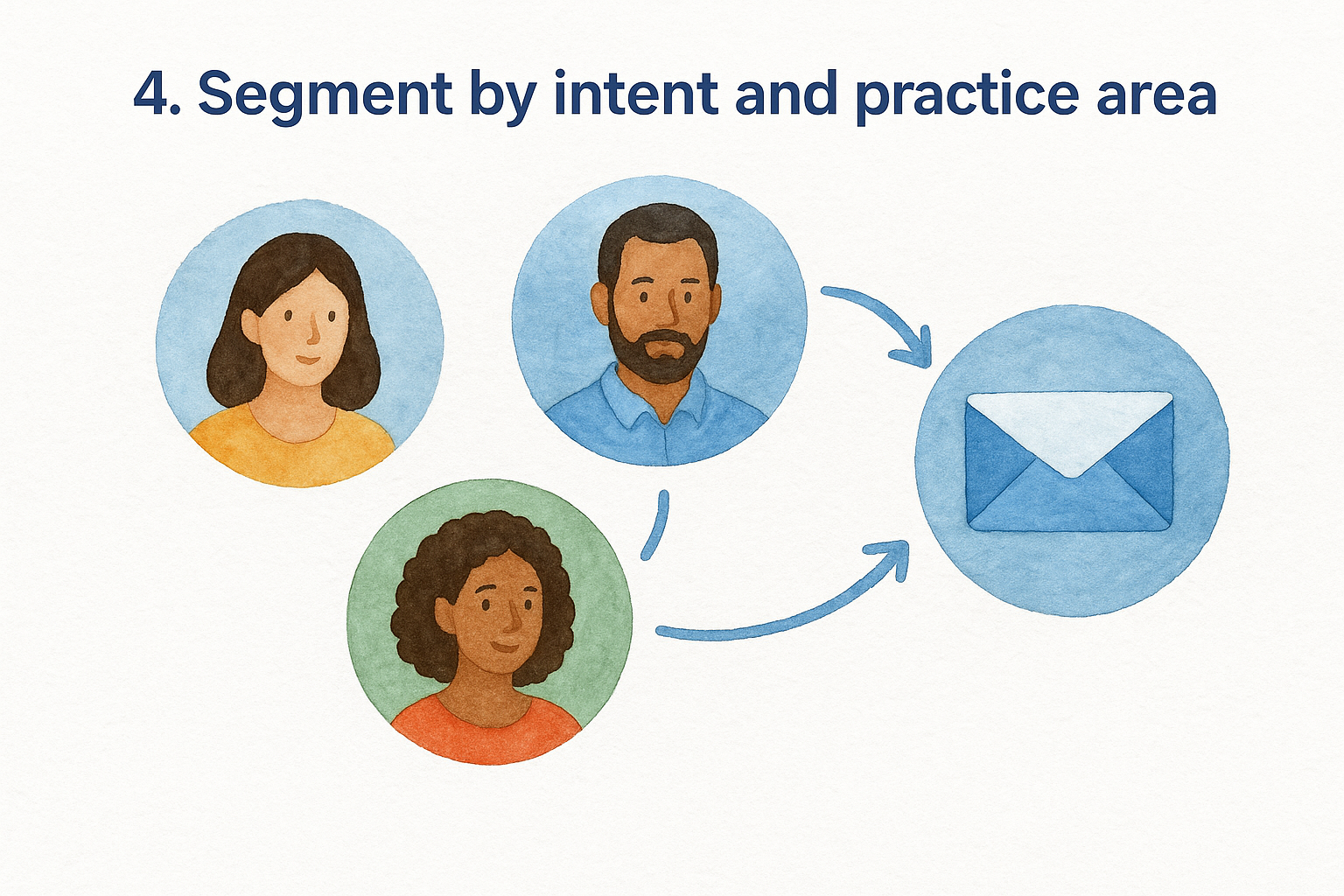
4. Segment by intent and practice area
Sending the same email to every contact on your list drives down engagement and wastes your sends. Segmentation divides your list into focused groups so each subscriber receives messaging that matches their specific situation and intent.
What to do
Group your contacts by practice area interest and by where they fall in the decision process. Someone who requested a free consultation sits in a very different mental space than someone who downloaded a guide two months ago.
- Separate contacts by case type: personal injury, family law, criminal defense
- Tag by inquiry source: website form, referral, consultation request
- Create distinct sequences for active leads versus cold contacts
Why it boosts opens
Targeted emails generate higher open rates than broadcast messages because subscribers recognize the content as directly relevant to their situation. When a contact who inquired about immigration law receives an email about visa timelines, the connection feels immediate rather than generic.
Segmented campaigns consistently outperform non-segmented sends because relevance always beats volume.
How to apply it in a law firm
Tag every new contact in your CRM by practice area at the moment they opt in. Keep active consultation requests in their own nurture sequence and separate them from cold contacts entirely. This is one of the most impactful email marketing best practices you can deploy without rewriting a single piece of content.
Quick checklist
- Tag every contact by practice area at opt-in
- Build separate sequences for active inquiries and cold leads
- Review segment tags quarterly to catch mislabeled contacts
5. Use a recognizable sender and reply-to
Your sender name is the first thing a recipient reads before they even look at your subject line. If that name looks unfamiliar or generic, many people delete the email without opening it. This is one of the email marketing best practices that takes less than five minutes to set up correctly and directly impacts your open rate from the first send.
What to do
Set your "From" name to something your contacts will recognize, typically the attorney's name or a combination like "David Kim at GavelGrow Law." Set your reply-to address to a real, monitored inbox rather than a no-reply address. Contacts who want to respond should be able to reach a person.
Why it boosts opens
Inbox providers and spam filters evaluate sender reputation based on prior engagement. When contacts recognize your name and have opened your emails before, that positive history signals trust to Gmail, Outlook, and other providers. Unknown or generic sender names generate delete-before-open behavior, which pulls your engagement metrics down fast.
A recognizable sender name builds the same trust as a familiar face, contacts open what they know.
How to apply it in a law firm
Use the lead attorney's name as the sender for client-facing nurture sequences. For newsletters or firm updates, combine a name with your firm name so the sender field reads as both personal and professional. Never use a no-reply address on any outbound email.
Quick checklist
- Set sender name to a real attorney or staff name
- Confirm the reply-to routes to a monitored inbox
- Test how the sender name displays on mobile before sending
6. Write subject lines people want to open
Your subject line determines whether the rest of your email gets read at all. It is the single most important piece of copy in any campaign, and it is one of the email marketing best practices that most firms consistently underinvest in. A weak subject line wastes every other effort you put into the message.
What to do
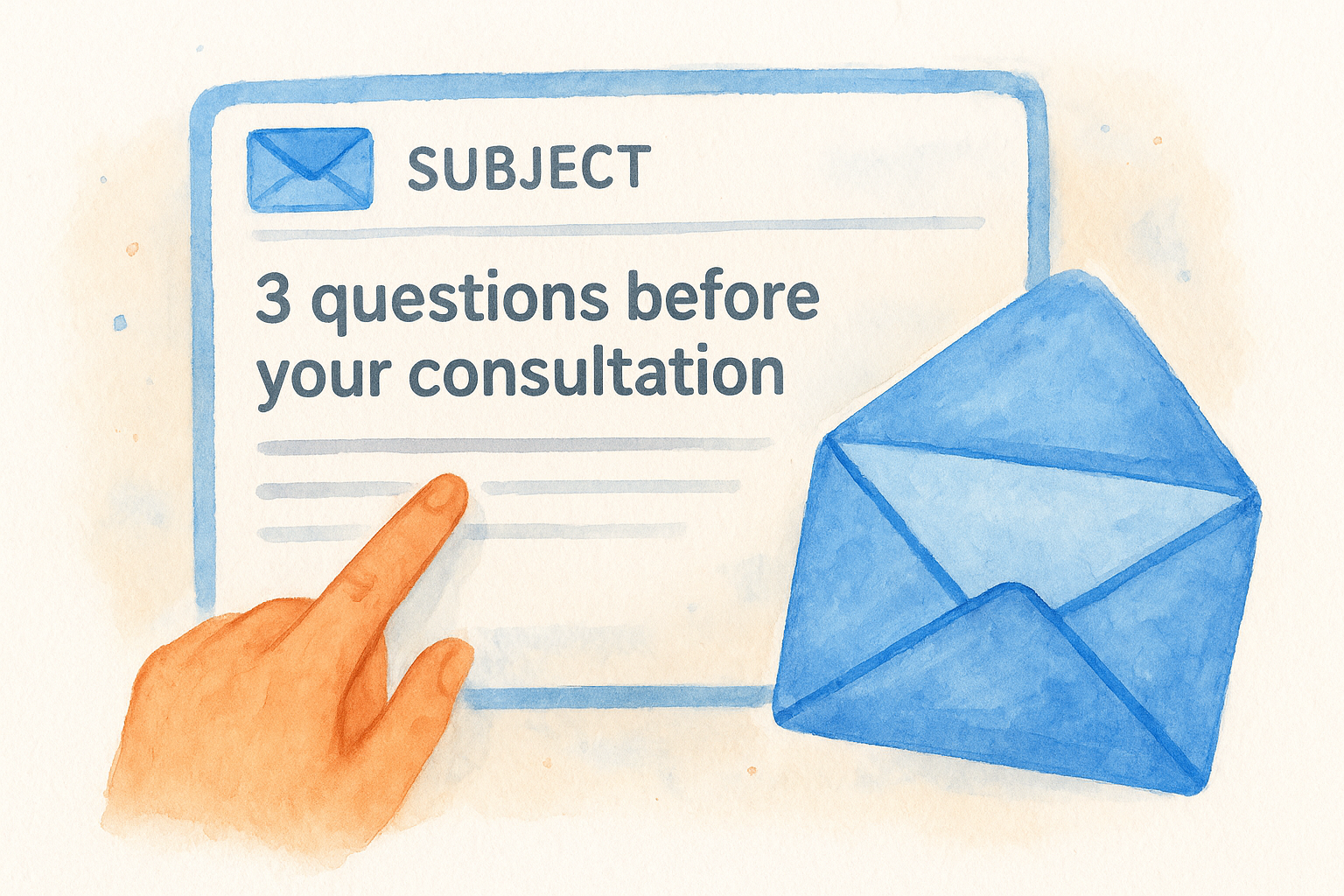
Write subject lines that are specific, honest, and relevant to the contact receiving the message. Keep them under 50 characters so they display fully on mobile screens. Avoid vague teases, false urgency, and all-caps formatting. Instead, tell the reader exactly what value they get by opening.
- Lead with the reader's situation, not your firm's name
- Use numbers or timeframes when they add specificity ("3 questions before your consultation")
- Test two versions against each other before scaling any campaign
Why it boosts opens
Specific subject lines perform better because they signal relevance before the email opens. Inbox providers also evaluate subject line patterns when scoring sender reputation, and a history of high-engagement opens strengthens your deliverability over time.
The subject line's only job is to earn the open. Everything else comes after that.
How to apply it in a law firm
Reference the contact's specific legal concern in the subject line when your platform supports personalization. "What to expect at your criminal defense consultation" outperforms "Newsletter from our firm" every single time.
Quick checklist
- Keep subject lines under 50 characters
- Reference the reader's specific situation or case type
- A/B test every major campaign before your full send
7. Treat preheader text like a second subject line
The preheader is the short line of text that appears next to or below your subject line in a recipient's inbox preview. Most firms leave it blank or let their email platform pull the first line of body copy, which often reads as something like "View this email in your browser." That is a wasted opportunity on one of the most visible pieces of email real estate you control.
What to do
Write your preheader intentionally every time you send a campaign. Keep it between 40 and 90 characters, and use it to extend the subject line's message rather than repeat it. If your subject line raises a question, the preheader should hint at the answer waiting inside.
- Write the preheader and subject line together as a paired unit
- Avoid restating the subject line word for word
- Fill the field manually so your platform does not pull random body text
Why it boosts opens
Inbox providers display both lines side by side, which means subscribers evaluate two separate signals before deciding whether to open. A strong preheader that adds context increases the likelihood they click through.
Treating the preheader as throwaway text is the equivalent of leaving half your subject line blank.
How to apply it in a law firm
Reference the specific legal topic or next step inside the email. For a consultation follow-up, pair "What happens after your first meeting" with a preheader like "Here are the three things we cover before moving forward."
Quick checklist
- Write a custom preheader for every campaign
- Keep it under 90 characters to avoid truncation on mobile
- Confirm it adds new context rather than echoing your subject line
8. Send on a consistent cadence
Sending emails on a predictable schedule trains your contacts to expect your messages. When you disappear for weeks and then flood inboxes at once, subscribers lose context and inbox providers flag the sudden activity as suspicious behavior.
What to do
Pick a send frequency you can maintain without sacrificing quality, whether that is twice a month or weekly, and stick to it. Build a content calendar at least two weeks ahead so you never scramble for topics at the last minute.
- Commit to a fixed day and time for each send
- Schedule at least two sends ahead before launching a new cadence
- Treat any frequency change as a deliberate decision, not a default
Why it boosts opens
Consistent senders build recognition over time. When contacts see your name arrive on the same day each week, they develop a habit of opening it. Irregular sending patterns disrupt that habit and train subscribers to overlook your messages entirely.
A predictable send schedule is one of the most underrated email marketing best practices for building long-term open rate momentum.
How to apply it in a law firm
Map your monthly send calendar around predictable legal events, such as tax season for estate planning contacts or filing deadlines for litigation clients. Seasonal relevance combined with a steady rhythm gives every send a clear reason to land.
Quick checklist
- Set a fixed send day and protect it each month
- Build a two-week content buffer before launching a new cadence
- Review send frequency after 90 days based on open rate trends
9. Design for mobile-first scanning
More than half of all emails are opened on a smartphone, and law firm contacts are no different. If your email requires pinching, zooming, or horizontal scrolling to read, most people close it within seconds. Designing for mobile-first scanning is one of the email marketing best practices that directly affects whether your message gets read at all.
What to do
Build every email around a single-column layout with a minimum font size of 16px for body text. Keep your call-to-action button large enough to tap with a thumb, at least 44 pixels tall, and place it high enough in the email so it appears before the reader needs to scroll.
- Use short paragraphs of two to three sentences maximum
- Keep line lengths under 600 pixels to prevent awkward wrapping
- Test every send in both dark mode and light mode before it goes out
Why it boosts opens
When contacts open a well-formatted email on their phone and read it without friction, they associate that ease with your brand. That positive experience increases the chance they open your next message too.
Difficult-to-read emails train contacts to ignore your sender name the next time it appears.
How to apply it in a law firm
Send yourself a test email on your personal phone before every campaign. Ask a staff member on a different device to preview it and confirm the call-to-action button is visible and tappable without scrolling past the fold.
Quick checklist
- Confirm single-column layout and 16px minimum font size
- Test rendering on both iOS and Android before sending
- Verify your CTA button reaches 44 pixels in height
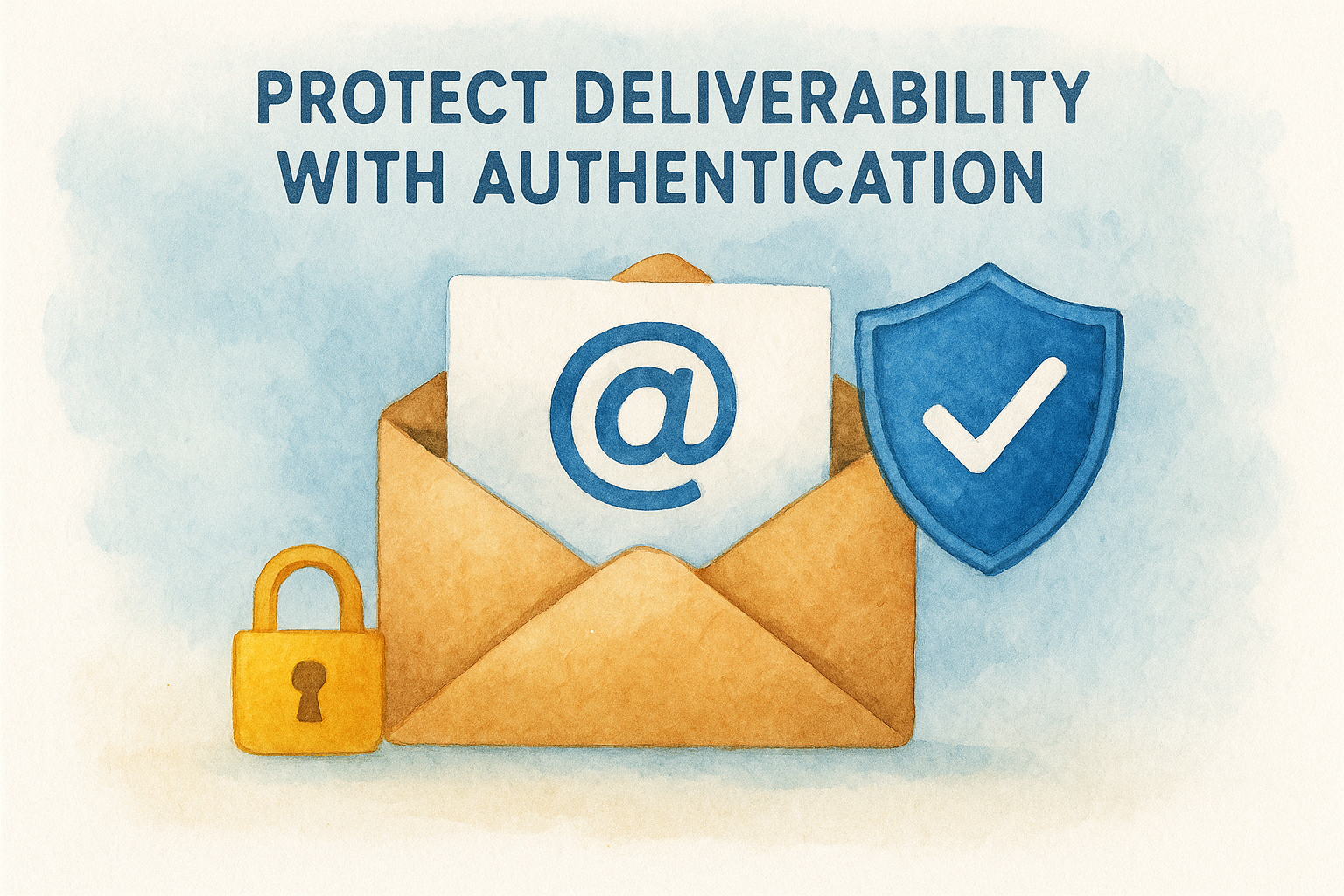
10. Protect deliverability with authentication
Email authentication tells inbox providers that your messages come from a legitimate source. Without it, your carefully written campaigns can land in spam folders before a single contact ever sees them, which makes it one of the most foundational email marketing best practices you can implement.
What to do
Set up three core authentication protocols on your sending domain: SPF (Sender Policy Framework), DKIM (DomainKeys Identified Mail), and DMARC (Domain-based Message Authentication, Reporting, and Conformance). These records tell Gmail, Outlook, and other providers that your firm authorized the sending domain. Most email platforms provide step-by-step instructions for adding these DNS records.
Why it boosts opens
Inbox providers use authentication signals to decide whether your message reaches the primary inbox, the promotions tab, or the spam folder. Authenticated senders earn higher trust scores, which means more of your emails reach the contacts you worked to acquire.
Unauthenticated domains face automatic filtering that no subject line or send strategy can overcome.
How to apply it in a law firm
Ask your IT contact or web host to verify that SPF, DKIM, and DMARC records are active on the domain you use to send firm emails. If your firm uses Google Workspace, Google's support documentation walks through the exact setup process.
Quick checklist
- Confirm SPF, DKIM, and DMARC records are active on your sending domain
- Verify settings in your email platform's authentication dashboard
- Re-check records after any domain or hosting change
11. Clean your list and test every month
A list full of inactive contacts and unverified addresses drags down every metric you care about. This last of the email marketing best practices in this guide requires treating your list as a living asset, not a static database you build once and forget.
What to do
Remove contacts who have not opened any email in the past 90 days unless you run a re-engagement sequence first. Run your full list through an email verification service every quarter to catch invalid addresses before they generate hard bounces.
- Flag contacts with zero opens in 90 days for a re-engagement campaign
- Delete hard bounces immediately after every send
- A/B test subject lines, send times, and preheader text on a monthly basis
Why it boosts opens
Inbox providers calculate your sender reputation based on the ratio of engaged contacts to total recipients. Removing dead weight raises that ratio and pushes your messages toward the primary inbox rather than the promotions tab or spam folder.
A clean list of 500 engaged contacts consistently outperforms a bloated list of 5,000 unresponsive ones.
How to apply it in a law firm
Run a 90-day engagement audit inside your email platform each month. Contacts who ignore every send during that window receive one re-engagement email before removal. Monthly A/B tests on subject lines give you real data to improve each send rather than guessing.
Quick checklist
- Remove hard bounces after every campaign
- Run a list verification pass every quarter
- A/B test one variable per monthly send
Next steps
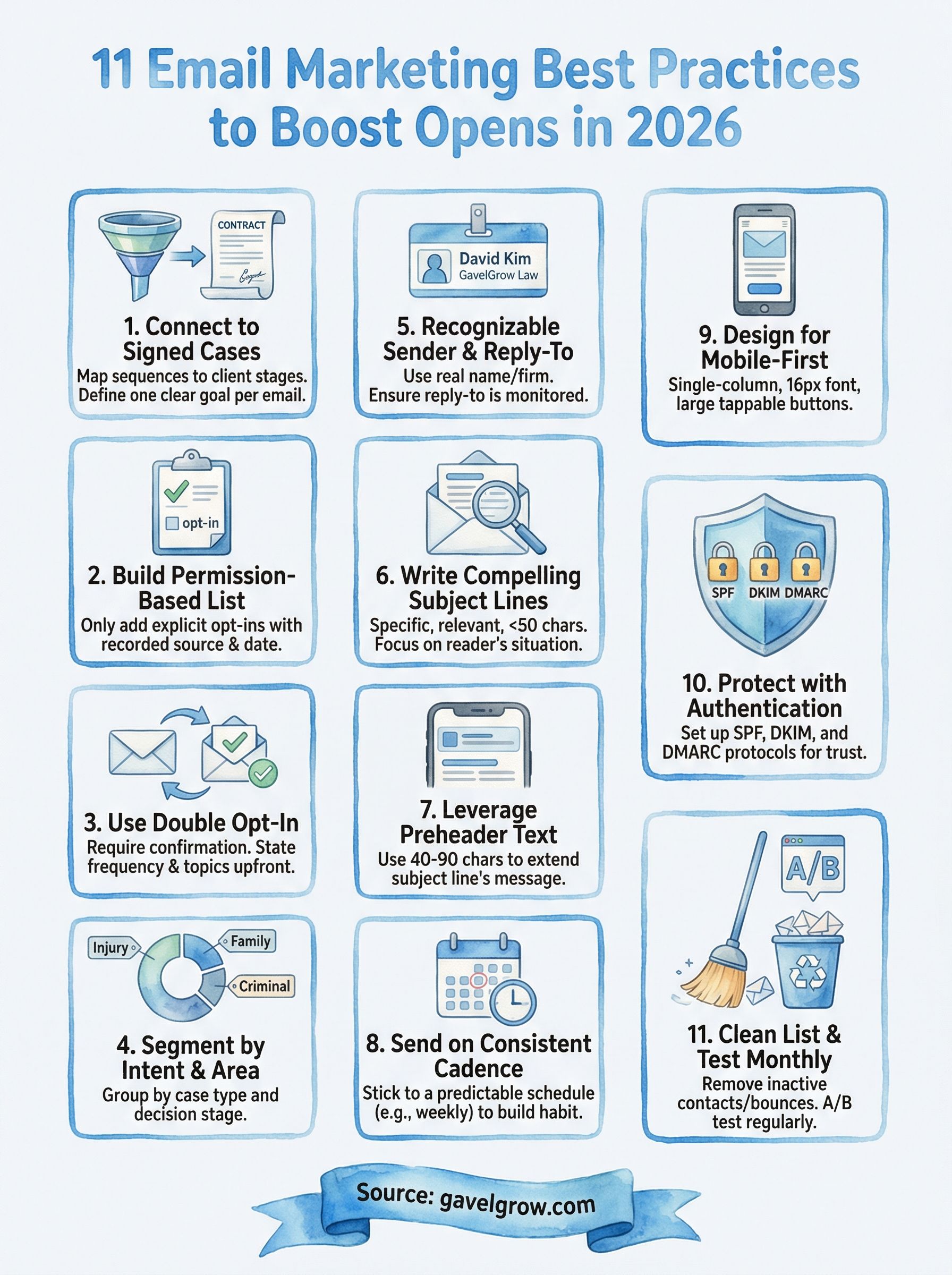
The 11 email marketing best practices in this guide give you a complete framework for turning your firm's contact list into a reliable source of consultations and signed cases. Each practice builds on the others: clean lists support authentication, segmentation supports relevance, and consistent cadence builds the open-rate momentum that compounds over time.
Start with the items that expose the biggest gaps in your current setup. If you have no SPF or DKIM records, fix authentication first. If your list hasn't been cleaned in six months, run a verification pass before your next send. Pick two or three practices from this list and implement them this week rather than attempting all eleven at once.
If you want a team that builds and manages these systems for your firm from day one, book a free strategy consultation with GavelGrow. We connect your email campaigns directly to signed cases so every send has a measurable return.
Frequently Asked Questions
What is the most important email marketing practice for a law firm?
Tie every email you send back to a specific business outcome, meaning moving a contact closer to a signed retainer. Map your sequences to the stages a prospect moves through before hiring you, and define one clear goal per email, such as booking a consultation or completing intake. Relevance is the single biggest driver of open rates, so goal-specific messaging tied to a reader's situation outperforms a generic newsletter.
Why is a permission-based email list important?
Inbox providers evaluate engagement signals to decide where your messages land, and a list full of unwilling recipients sends the wrong signal. Only add contacts who explicitly opted in, record the source and date, and never use purchased or inherited lists. A smaller, high-consent list outperforms a large cold list on every deliverability metric that matters, because engaged recipients open consistently and signal to providers that your mail is welcome.
How long should an email subject line be for good open rates?
Keep subject lines under 50 characters so they display fully on mobile screens, where more than half of emails are opened. Write them to be specific, honest, and relevant to the reader, leading with their situation rather than your firm's name, and avoid vague teases, false urgency, and all-caps formatting. A/B test two versions against each other before scaling any campaign.
What email authentication does a law firm need to reach the inbox?
Set up three core protocols on your sending domain: SPF, DKIM, and DMARC. These DNS records tell providers like Gmail and Outlook that your firm authorized the sending domain, which raises your trust score and pushes more mail to the primary inbox instead of spam. Unauthenticated domains face automatic filtering that no subject line or send strategy can overcome, so verify these records with your IT contact or web host.
How often should a law firm clean its email list?
Run a list verification pass every quarter to catch invalid addresses before they cause hard bounces, and flag contacts with zero opens in the past 90 days for a re-engagement sequence before removing them. Providers calculate sender reputation from the ratio of engaged contacts to total recipients, so removing dead weight pushes your messages toward the primary inbox. A clean list of engaged contacts consistently outperforms a bloated, unresponsive one.
The same follow-up discipline that makes email work applies the moment a lead comes in, and much of it can be handled through legal intake automation so no inquiry slips through the cracks.
Sending well-timed campaigns at scale is far easier when your outreach lives inside dedicated law firm marketing software rather than a patchwork of disconnected tools.
The rules governing outreach go beyond email deliverability, and any firm contacting leads by phone or text needs to understand TCPA compliance for law firms before the first message goes out.
If you're still weighing whether the channel is worth the effort, start with the fundamentals of what email marketing actually is before diving into the tactics.
Frequently Asked Questions
What is the most important email marketing practice for a law firm?
Tie every email you send back to a specific business outcome, meaning moving a contact closer to a signed retainer. Map your sequences to the stages a prospect moves through before hiring you, and define one clear goal per email, such as booking a consultation or completing intake. Relevance is the single biggest driver of open rates, so goal-specific messaging tied to a reader's situation outperforms a generic newsletter.
Why is a permission-based email list important?
Inbox providers evaluate engagement signals to decide where your messages land, and a list full of unwilling recipients sends the wrong signal. Only add contacts who explicitly opted in, record the source and date, and never use purchased or inherited lists. A smaller, high-consent list outperforms a large cold list on every deliverability metric that matters, because engaged recipients open consistently and signal to providers that your mail is welcome.
How long should an email subject line be for good open rates?
Keep subject lines under 50 characters so they display fully on mobile screens, where more than half of emails are opened. Write them to be specific, honest, and relevant to the reader, leading with their situation rather than your firm's name, and avoid vague teases, false urgency, and all-caps formatting. A/B test two versions against each other before scaling any campaign.
What email authentication does a law firm need to reach the inbox?
Set up three core protocols on your sending domain: SPF, DKIM, and DMARC. These DNS records tell providers like Gmail and Outlook that your firm authorized the sending domain, which raises your trust score and pushes more mail to the primary inbox instead of spam. Unauthenticated domains face automatic filtering that no subject line or send strategy can overcome, so verify these records with your IT contact or web host.
How often should a law firm clean its email list?
Run a list verification pass every quarter to catch invalid addresses before they cause hard bounces, and flag contacts with zero opens in the past 90 days for a re-engagement sequence before removing them. Providers calculate sender reputation from the ratio of engaged contacts to total recipients, so removing dead weight pushes your messages toward the primary inbox. A clean list of engaged contacts consistently outperforms a bloated, unresponsive one. The same follow-up discipline that makes email work applies the moment a lead comes in, and much of it can be handled through legal intake automation so no inquiry slips through the cracks. Sending well-timed campaigns at scale is far easier when your outreach lives inside dedicated law firm marketing software rather than a patchwork of disconnected tools. The rules governing outreach go beyond email deliverability, and any firm contacting leads by phone or text needs to understand TCPA compliance for law firms before the first message goes out. If you're still weighing whether the channel is worth the effort, start with the fundamentals of what email marketing actually is before diving into the tactics.