5 Really Good Emails Alternatives for Design Inspiration
Categories: Legal Marketing Strategies
 Abram Ninoyan
Founder & Senior Performance Marketer
Credentials: Google Partner, Google Ads Search Certified, Google Ads Display Certified, Google Ads Measurement Certified, Google Analytics (IQ) Certified, HubSpot Inbound Certified, HubSpot Social Media Marketing Certified, Conversion Optimization Certified
Expertise: Google Ads, Meta Ads, Conversion Rate Optimization, GA4 & Google Tag Manager, Lead Generation, Marketing Funnel Optimization, PPC Management
LinkedIn Profile
If you've ever searched for really good emails to spark ideas for your next campaign, you've probably landed on the popular curation site by the same name. It's a solid resource, but it's far from the...
Key Takeaways
- 5 Really Good Emails Alternatives for Design Inspiration
- 1. Email Love
- 2. Milled
- 3. Litmus Email Gallery
5 Really Good Emails Alternatives for Design Inspiration
If you've ever searched for really good emails to spark ideas for your next campaign, you've probably landed on the popular curation site by the same name. It's a solid resource, but it's far from the only one worth bookmarking. For law firms especially, where every touchpoint with a potential client matters, pulling design inspiration from multiple sources leads to stronger, more original emails that actually convert.
At GavelGrow, email is one of the channels we use to help law firms nurture leads into signed cases. We've seen firsthand how a well-designed email can move a prospect from "just browsing" to booking a consultation. But good design doesn't happen in a vacuum. Studying what works across industries gives attorneys and their marketing teams a real edge when crafting campaigns that stand out in crowded inboxes.
This article breaks down five alternatives to Really Good Emails that are worth your time, each offering a different angle on email design, copywriting, and strategy to help you level up your firm's outreach.
1. Email Love
Email Love is a curated gallery that collects high-quality email examples from across industries. Unlike broader resources, it lets you filter by email type, industry, and design style, which saves you significant digging time when you're looking for campaign-specific inspiration.
What Email Love does well
The library organizes examples in a way that makes targeted browsing genuinely fast. You can search by category (welcome sequences, promotional campaigns, transactional messages, and more) so you're not wading through hundreds of irrelevant examples. The platform also highlights visual details like color palette, typography, and layout, making it easier to pinpoint exactly what you want to replicate or adapt.
The ability to filter by specific email type means you find relevant examples in minutes rather than spending an hour sifting through a generic archive.
Best for
Email Love works best for designers and marketers who already know what type of email they're building and need focused reference points fast. If your firm is drafting a follow-up sequence for personal injury leads, you can pull nurture or re-engagement examples to see how other brands structure similar touchpoints without wasting time on irrelevant formats.
How to use it for faster swipe-file building
Build your swipe file by saving screenshots or links from at least three different layout styles for each email type you regularly send. Comparing multiple approaches side by side reveals patterns in what really good emails share: clear hierarchy, a single call-to-action, and intentional white space. Organize your saved examples by campaign stage (awareness, nurture, conversion) so your team can pull relevant references when building future sequences.
Pricing
Email Love is free to use with no account required for browsing the gallery. Some advanced filtering and export features may require creating a free account, making it a zero-cost starting point for any firm building out its email design research process.
2. Milled
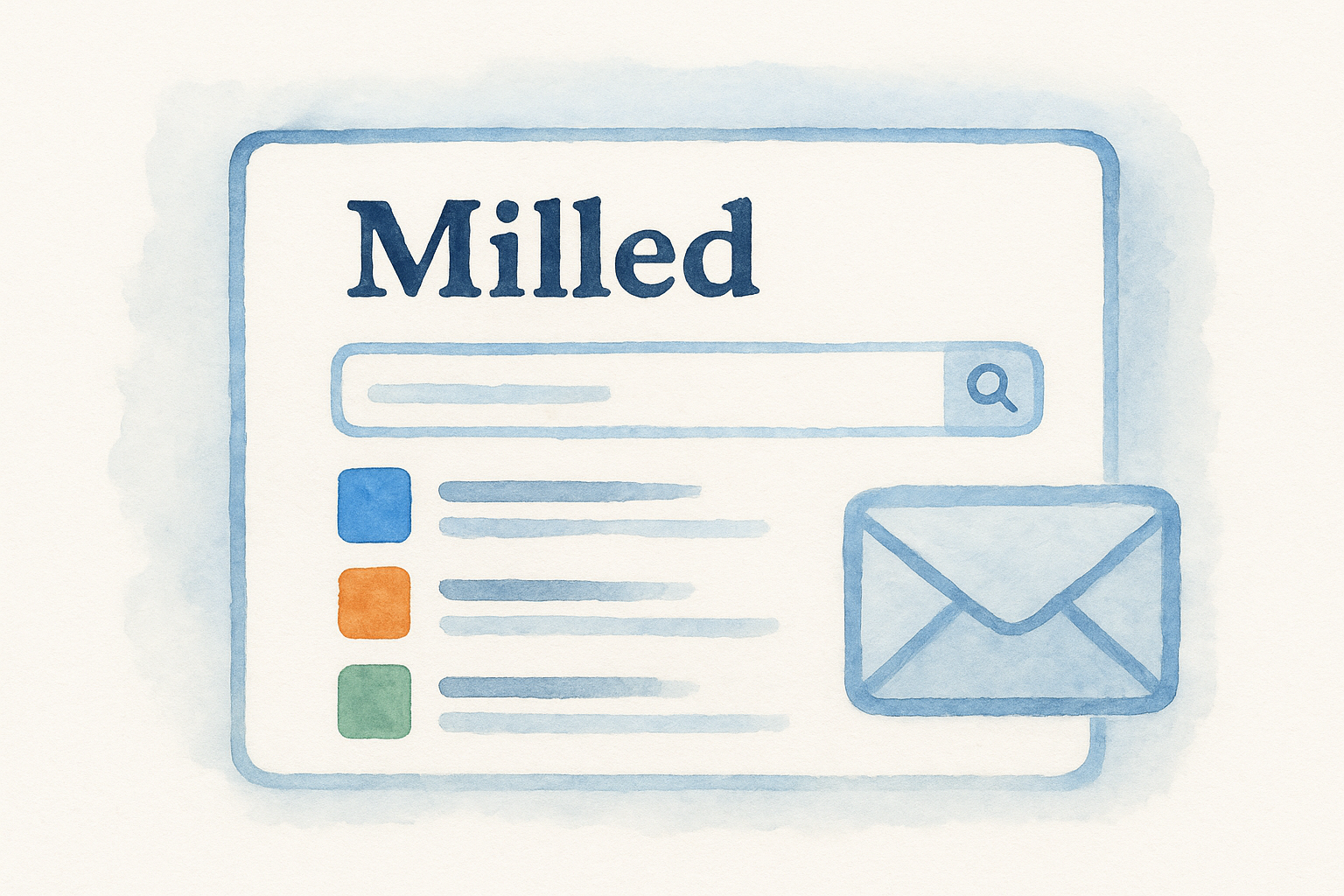
Milled is a searchable database of real marketing emails sent by actual brands, pulled directly from subscriber inboxes. It functions less like a curated gallery and more like a search engine for email campaigns, which makes it a different kind of resource compared to other really good emails collections.
What Milled does well
Milled excels at volume and recency. The database updates constantly, so you can see what brands are sending right now rather than reviewing outdated examples. It also lets you search by brand name or keyword, giving you direct access to a specific company's full email history in one place.
Seeing a competitor's full send history reveals patterns in their cadence, offer structure, and messaging strategy that a single example never would.
Best for
Milled works best for competitive research and real-world trend tracking. Use it to study how service-based businesses handle lead nurturing and follow-up sequences at scale.
How to use it for competitive research
Search for brands in adjacent industries and study their sending frequency and subject line structure. Track which formats repeat across multiple sends, then use those patterns to sharpen your own firm's campaigns.
Pricing
Milled is free to browse with no account required, making it a low-barrier research tool for any marketing team.
3. Litmus Email Gallery
Litmus is best known for its email testing platform, but its Email Gallery is a standalone resource worth bookmarking. The gallery showcases curated examples organized by category and design quality, giving you a solid reference point when building really good emails for your firm's campaigns.
What the Litmus Email Gallery does well
The gallery emphasizes technical quality and rendering accuracy. Because Litmus tests emails across dozens of clients and devices, the examples it features meet high standards for cross-client compatibility that most other galleries don't prioritize.
Studying emails already tested across major clients removes one layer of guesswork from your own design process.
Best for
The Litmus Email Gallery works best for marketers and developers who care about how emails actually render across different inboxes. It suits teams focused on:
- Accessibility compliance and contrast ratios
- Cross-client rendering quality
- Template structure and visual hierarchy
How to use it to improve rendering and accessibility
Study layout choices that hold up across clients like Gmail, Outlook, and Apple Mail. Pay attention to font sizing, button contrast, and image-to-text ratios, since these directly affect both accessibility and deliverability for your firm's outreach emails.
Pricing
Litmus's Email Gallery is free to browse without creating an account.
4. BEE Free email gallery
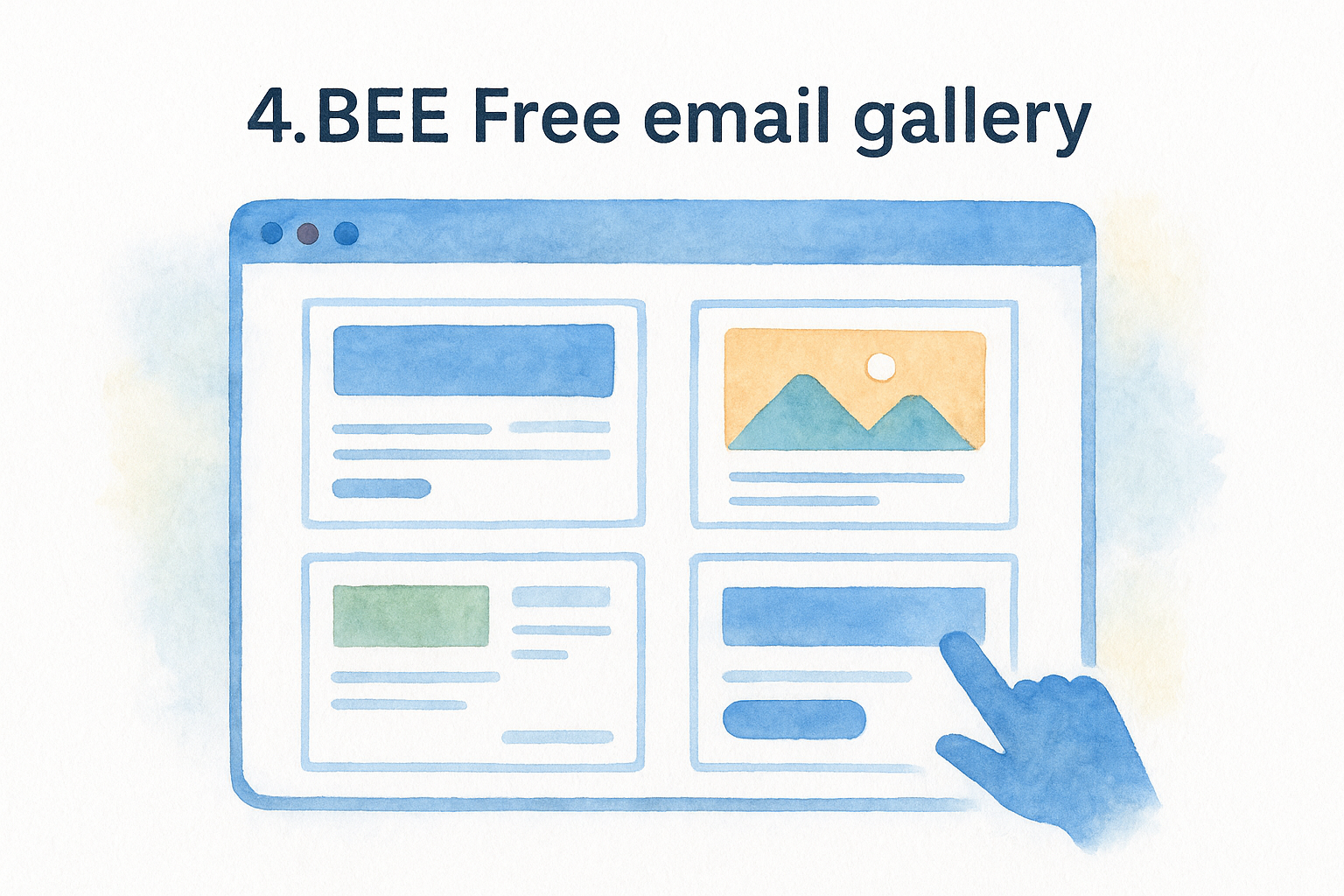
BEE Free is a drag-and-drop email builder that also maintains a publicly accessible template gallery you can browse for design inspiration. The platform skews toward clean, modular layouts that work equally well for service businesses as they do for e-commerce brands.
What the BEE Free email gallery does well
BEE Free organizes its gallery around reusable content blocks, which makes it easier to deconstruct layouts rather than just admire them. You can see exactly how modular sections stack together to form really good emails, which is more useful than studying a finished design without understanding its structure.
Breaking a strong layout into its component blocks is the fastest way to reverse-engineer what makes it effective.
Best for
The gallery suits marketers and non-designers who need to build polished emails quickly without starting from a blank canvas each time.
How to use it to speed up layout and modular design
Study how header, body, and CTA blocks are combined across different templates. Save layouts that match your firm's typical email structure, then adapt the block arrangement for your specific campaign type rather than rebuilding from scratch each send.
Pricing
BEE Free's template gallery is free to browse, with paid plans available if you want to edit templates directly inside the builder.
5. Stripo email templates
Stripo is an email design platform with a large template library covering dozens of industries and campaign types. Unlike purely inspirational galleries, Stripo bridges the gap between browsing and actually building your next send.
What Stripo does well
Stripo combines visual inspiration with direct usability. Each template is fully editable inside the platform, so you move from studying an example to adjusting it for your own use without switching tools or rebuilding from scratch.
Moving from inspiration to a working draft in the same tool cuts your production time significantly.
Best for
The platform suits marketers and firm administrators who need to close the gap between finding a great design and deploying it. It works well for:
- Teams building really good emails without a dedicated designer
- Firms that need campaign-ready layouts fast
How to use it to turn inspiration into editable templates
Browse by campaign type or industry, then open a template directly in the editor. Swap in your firm's colors, logo, and copy without touching the underlying layout structure. Prioritize templates that match your typical email length and CTA placement preference so fewer structural edits are needed.
Pricing
Stripo offers a free plan with access to much of its template library, with paid tiers unlocking additional templates and export integrations.
Next steps for finding email inspiration
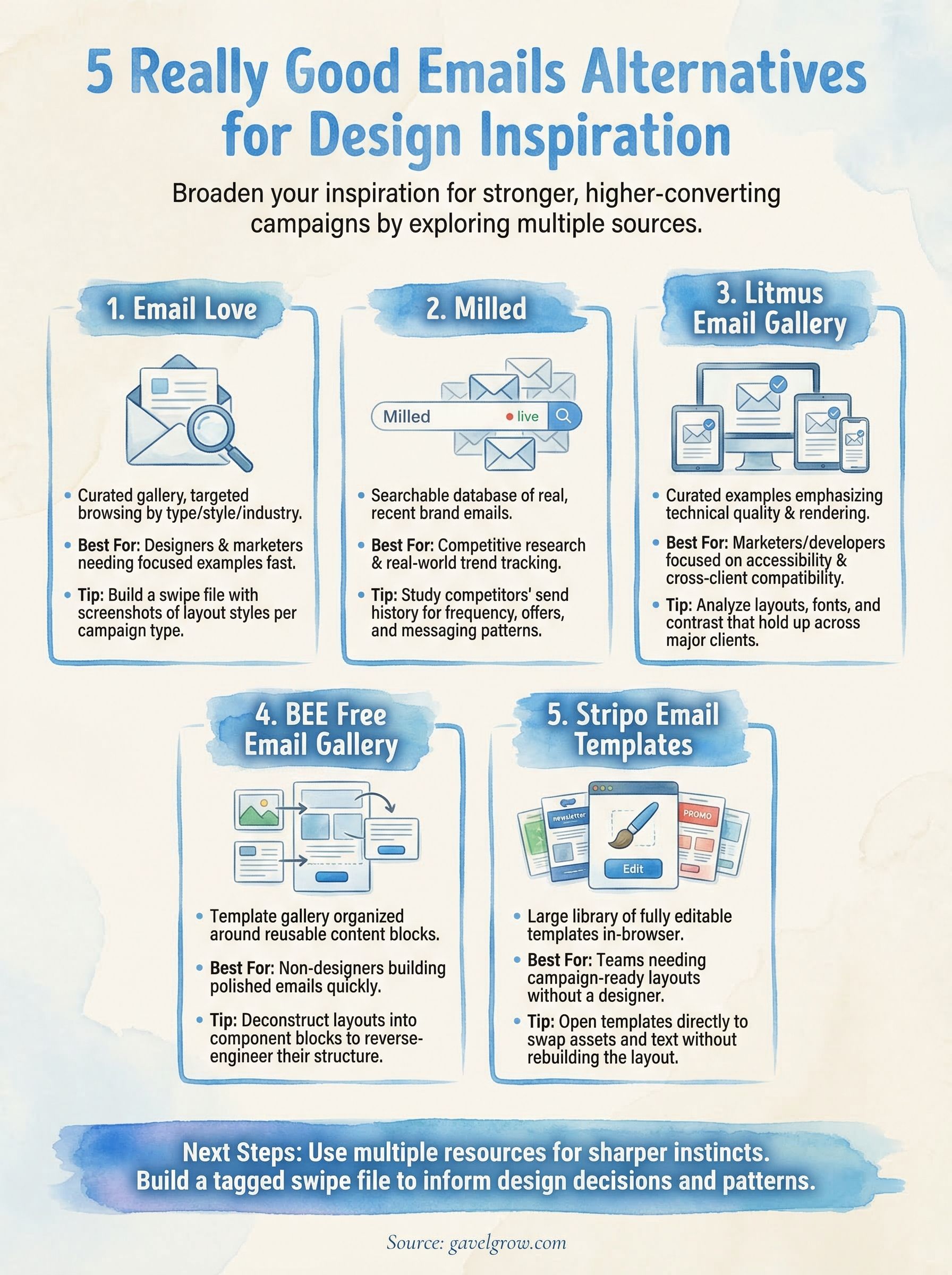
Each of these platforms gives you a different lens for studying really good emails, and using more than one resource will sharpen your instincts faster than sticking to a single source. Start by picking two or three from this list based on your immediate need, whether that's competitive research, layout building, or accessibility review.
From there, build a simple swipe file where you tag examples by campaign type and note what specifically makes each one work. Over time, patterns emerge that inform your own design decisions without relying on guesswork.
For law firms, strong email design directly supports client acquisition and lead nurturing, not just brand aesthetics. If your firm wants a full-funnel approach that turns email contacts into signed cases, GavelGrow's legal marketing team can help you build and execute campaigns that deliver measurable results.
Frequently Asked Questions
What are some good alternatives to Really Good Emails for design inspiration?
The article highlights five: Email Love (a curated gallery you can filter by email type and industry), Milled (a searchable database of real marketing emails from actual brands), the Litmus Email Gallery (curated examples emphasizing cross-client rendering quality), the BEE Free gallery (organized around reusable content blocks), and Stripo (inspiration you can turn directly into editable templates).
Which email inspiration tool is best for competitive research?
Milled is best for competitive research and trend tracking because it pulls real marketing emails directly from subscriber inboxes and updates constantly. You can search by brand or keyword to see a company's full send history, which reveals patterns in cadence, offer structure, and subject-line style that a single curated example never would.
How do I build an effective email swipe file?
Save screenshots or links from at least three different layout styles for each email type you regularly send, then organize them by campaign stage such as awareness, nurture, and conversion. Comparing multiple approaches side by side surfaces the patterns strong emails share: clear hierarchy, a single call-to-action, and intentional white space. Tag each example with a note on what makes it work.
Do these email inspiration tools cost anything?
Most are free to browse without an account, including Email Love, Milled, and the Litmus Email Gallery. BEE Free and Stripo offer free gallery access with paid tiers if you want to edit templates directly inside the builder. They make a zero-cost starting point for building out your email design research process.
Why should a law firm care about email design quality?
For firms, strong email design directly supports client acquisition and lead nurturing, not just brand aesthetics. A well-designed email can move a prospect from browsing to booking a consultation. Studying what works across industries, especially cross-client rendering and accessibility details like font sizing and button contrast, gives your firm an edge in crowded inboxes.
Frequently Asked Questions
What are some good alternatives to Really Good Emails for design inspiration?
The article highlights five: Email Love (a curated gallery you can filter by email type and industry), Milled (a searchable database of real marketing emails from actual brands), the Litmus Email Gallery (curated examples emphasizing cross-client rendering quality), the BEE Free gallery (organized around reusable content blocks), and Stripo (inspiration you can turn directly into editable templates).
Which email inspiration tool is best for competitive research?
Milled is best for competitive research and trend tracking because it pulls real marketing emails directly from subscriber inboxes and updates constantly. You can search by brand or keyword to see a company's full send history, which reveals patterns in cadence, offer structure, and subject-line style that a single curated example never would.
How do I build an effective email swipe file?
Save screenshots or links from at least three different layout styles for each email type you regularly send, then organize them by campaign stage such as awareness, nurture, and conversion. Comparing multiple approaches side by side surfaces the patterns strong emails share: clear hierarchy, a single call-to-action, and intentional white space. Tag each example with a note on what makes it work.
Do these email inspiration tools cost anything?
Most are free to browse without an account, including Email Love, Milled, and the Litmus Email Gallery. BEE Free and Stripo offer free gallery access with paid tiers if you want to edit templates directly inside the builder. They make a zero-cost starting point for building out your email design research process.
Why should a law firm care about email design quality?
For firms, strong email design directly supports client acquisition and lead nurturing, not just brand aesthetics. A well-designed email can move a prospect from browsing to booking a consultation. Studying what works across industries, especially cross-client rendering and accessibility details like font sizing and button contrast, gives your firm an edge in crowded inboxes.