CallTrackingMetrics Login: Secure Sign-In, Reset, Support
Categories: Legal Marketing Strategies
 Abram Ninoyan
Founder & Senior Performance Marketer
Credentials: Google Partner, Google Ads Search Certified, Google Ads Display Certified, Google Ads Measurement Certified, Google Analytics (IQ) Certified, HubSpot Inbound Certified, HubSpot Social Media Marketing Certified, Conversion Optimization Certified
Expertise: Google Ads, Meta Ads, Conversion Rate Optimization, GA4 & Google Tag Manager, Lead Generation, Marketing Funnel Optimization, PPC Management
LinkedIn Profile
If you're trying to find the CallTrackingMetrics login page, you're in the right place. Whether you need to check call data, review campaign attribution, or pull reports, getting into your dashboard q...
Key Takeaways
- CallTrackingMetrics Login: Secure Sign-In, Reset, Support
- Before you sign in
- Use the correct CallTrackingMetrics login page
- Sign in securely and avoid lockouts
CallTrackingMetrics Login: Secure Sign-In, Reset, Support
If you're trying to find the CallTrackingMetrics login page, you're in the right place. Whether you need to check call data, review campaign attribution, or pull reports, getting into your dashboard quickly matters, especially when you're managing lead flow for a law firm where every missed call can mean a lost case.
At GavelGrow, we set up and manage CallTrackingMetrics accounts for the law firms we serve, so our team handles login issues, account configuration, and reporting on a daily basis. We've seen every hiccup, from forgotten passwords to locked accounts to SSO confusion. That hands-on experience is exactly what shaped this guide.
Below, you'll find the direct login link, step-by-step instructions for resetting your password, and what to do if you hit a wall and need to contact CallTrackingMetrics support.
Before you sign in
Taking 30 seconds to confirm a few things before you attempt a CallTrackingMetrics login can save you real frustration. CallTrackingMetrics supports multiple account roles and two distinct authentication methods, so knowing which setup applies to you makes the sign-in process much smoother from the start.
Know your account role
Your access level inside CallTrackingMetrics depends on the role your account administrator assigned to you. Admins see everything: billing, account settings, all tracking numbers, and all integrations. Users and sub-accounts have restricted views based on what the admin configured. If you log in and see less than you expect, the cause is almost always a permissions setting rather than a broken login.
Confirm your role with your account admin before assuming something is wrong on the CallTrackingMetrics side.
Identify your login method
CallTrackingMetrics offers two ways to sign in: standard email and password authentication, or Single Sign-On (SSO) through a connected identity provider. If your firm or agency manages accounts through a platform like Google Workspace or Microsoft Azure AD, your team may already be set up for SSO. Trying to sign in with a password when your account requires SSO will fail every time, so check with your IT contact or account admin before you begin.
Have your credentials ready
Before you open the login page, locate your registered email address and your current password. Use this quick checklist to make sure you have everything on hand:
- Registered email address tied to your CallTrackingMetrics account
- Current password (or confirmation that you need to reset it)
- Two-factor authentication (2FA) app or backup phone number, if 2FA is enabled
- Access to your inbox, since new-device logins may trigger a verification email
Use the correct CallTrackingMetrics login page
Going to the wrong URL is a more common mistake than you'd think, especially if you've clicked a saved bookmark that no longer redirects correctly. The official CallTrackingMetrics login page is the only place you should enter your credentials, and bookmarking it now prevents future confusion.
The official login URL
The correct address for the calltrackingmetrics login is:
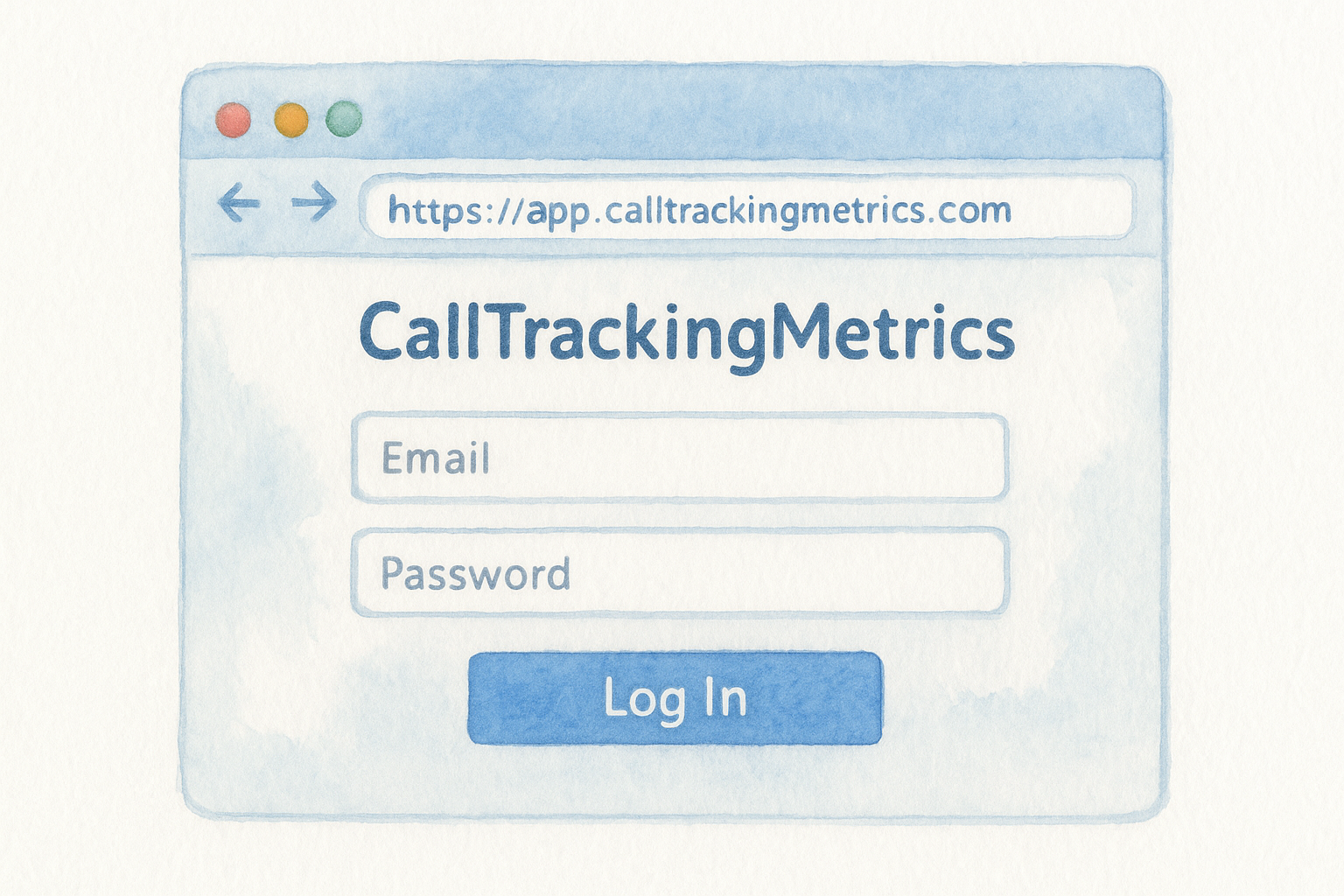
Type this directly into your browser's address bar or save it as a bookmark. Do not use links from third-party sites or old emails, since those may point to outdated or incorrect addresses.
Watch out for phishing pages
Phishing attempts targeting SaaS platforms are real, and a convincing fake login page can steal your account credentials before you realize what happened. Always confirm that the URL in your browser starts with https://app.calltrackingmetrics.com and that a valid SSL certificate is present (look for the padlock icon). If the URL looks slightly off, for example with a hyphen inserted or a different domain extension, close the tab immediately and navigate to the correct address manually.
Sign in securely and avoid lockouts
Once you have the correct URL and your credentials ready, a secure calltrackingmetrics login takes less than a minute. Following a few simple habits now prevents the most common issues that lock users out of their accounts later.
Enable two-factor authentication
CallTrackingMetrics supports two-factor authentication (2FA), and turning it on is one of the best steps you can take to protect your account. After you enter your email and password, the system will prompt you for a one-time code from your authenticator app or a verification sent to your registered phone number. Store your backup codes somewhere safe the moment you enable 2FA. If you lose access to your authenticator app, those codes are the only way back in without contacting support.
Save your 2FA backup codes in a password manager or a secure offline document immediately after setup.
Avoid common lockout triggers
Three behaviors cause most account lockouts: entering the wrong password more than five times, using an old saved password after a reset, and logging in from a new device without completing email verification. Clear your browser's autofill for the CallTrackingMetrics domain whenever you update your password, and always complete any verification email promptly before it expires.
Reset your password or recover your account
Forgetting your password or losing access to your account happens, and CallTrackingMetrics makes the recovery process straightforward as long as you act quickly and use the right steps.
Reset your password
If you cannot complete a calltrackingmetrics login because your password is incorrect or forgotten, the reset process takes under two minutes. Follow these steps:
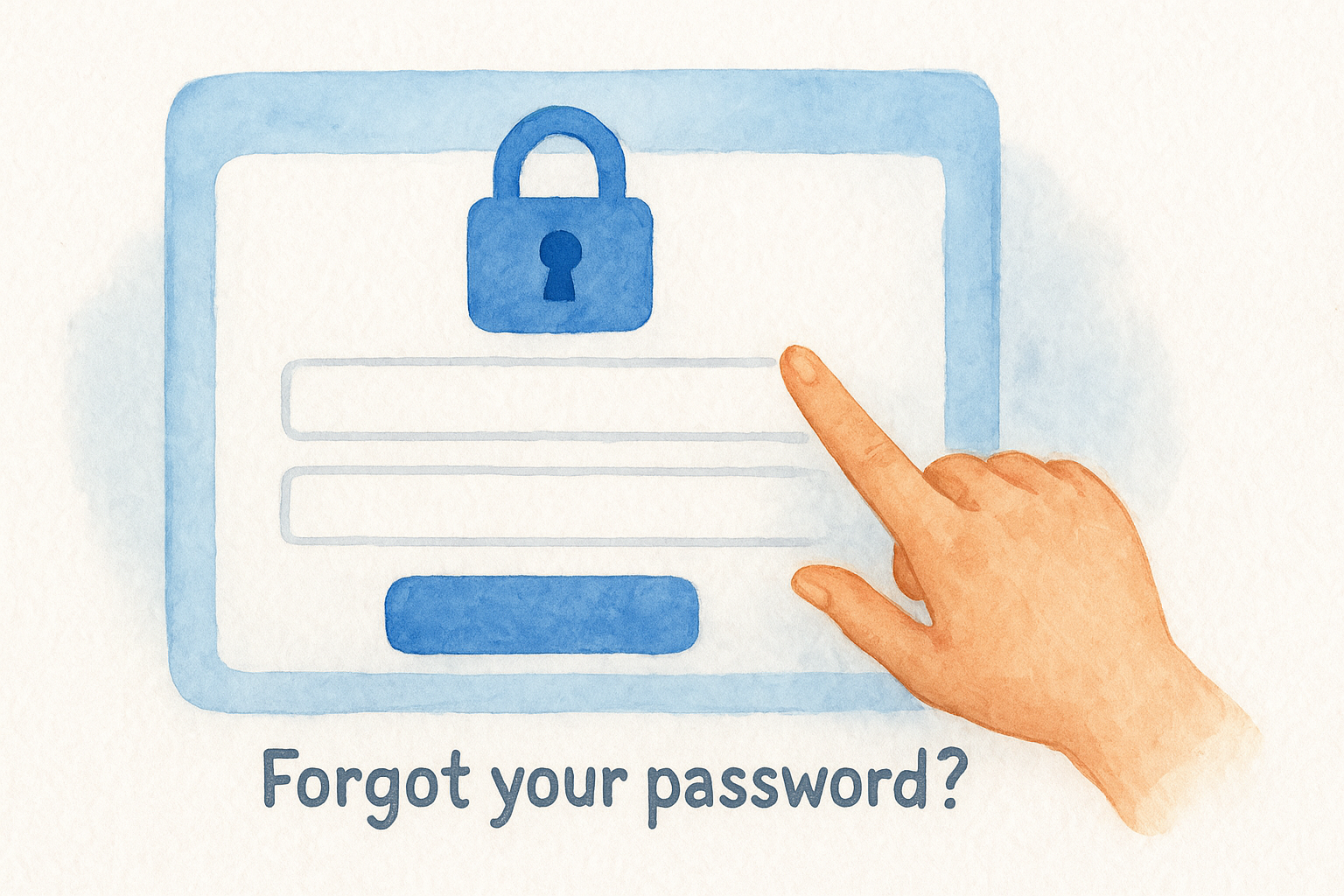
- Go to https://app.calltrackingmetrics.com/users/sign_in
- Click "Forgot your password?" below the sign-in form
- Enter your registered email address and submit the request
- Open the reset email and click the link within 30 minutes before it expires
- Create a new, unique password of at least 12 characters
- Log in immediately with your updated credentials
Clear your browser's saved passwords for the CallTrackingMetrics domain right after you reset, so autofill does not enter your old password on the next attempt.
Recover a locked or inaccessible account
If you no longer have access to the registered email address on your account, self-service recovery is not possible. You will need to contact CallTrackingMetrics support directly at [email protected] and provide proof of account ownership, such as your billing details or account ID.
Your account admin can also update the email address on your profile from the Users settings panel before a lockout occurs, so confirm your contact details are current now.
Fix common login issues fast
Most calltrackingmetrics login failures trace back to a small set of repeatable problems. Before you contact support, work through these common causes in order. The steps below resolve the majority of access issues in under five minutes without waiting on a support ticket.
Clear your cache and try a private window
A corrupted cache or outdated cookie is the most frequent culprit behind a login page that loops, throws an error, or refuses valid credentials. Open a private or incognito browser window and attempt the login again. If that works, clear your full browser cache and saved cookies for the CallTrackingMetrics domain, then log in normally.
If your login works in a private window but fails in your main browser, the problem is always a cached credential or cookie, not your account.
Check for account-level blocks
If clearing cache does not resolve the issue, the problem may sit at the account or network level rather than your browser. Run through this checklist before reaching out to support:
- Your IP address is not blocked by a firewall or VPN that restricts the CallTrackingMetrics domain
- Your account has not been deactivated by an admin
- Your registered email address is spelled correctly, with no trailing space or typo
Quick wrap-up and what to do next
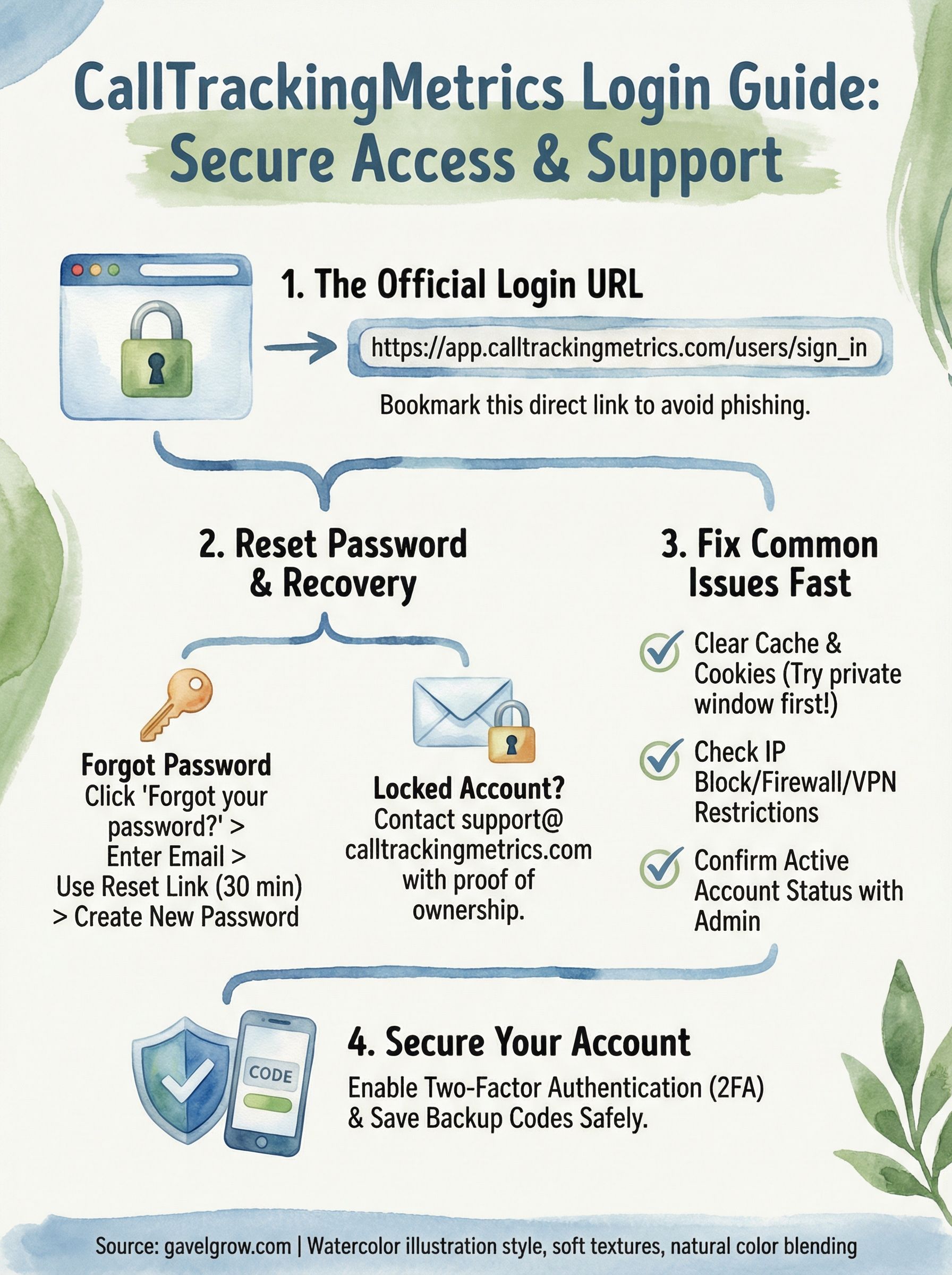
Getting to your calltrackingmetrics login page should now take you under a minute. Bookmark https://app.calltrackingmetrics.com/users/sign_in, enable two-factor authentication, and keep your backup codes somewhere safe. If you run into a problem, start with a private browser window, confirm your login method, and work through the account-level checklist before contacting support.
For law firms, call tracking data only creates value when the right people can access it reliably and act on what they find. Knowing how to get in is step one. Turning that data into more signed cases is where most firms need a second set of hands.
If you want a team that already knows how to configure, manage, and report on call tracking as part of a full legal marketing system, talk to GavelGrow about a free strategy consultation. We handle the technical side so you can focus on your clients.
Frequently Asked Questions
What is the official CallTrackingMetrics login URL?
The official CallTrackingMetrics login page is https://app.calltrackingmetrics.com/users/sign_in. Type it directly into your browser or bookmark it rather than clicking links from third-party sites or old emails, which may point to outdated or phishing pages. Always confirm the URL starts with https://app.calltrackingmetrics.com and shows a valid padlock before entering credentials.
How do I reset my CallTrackingMetrics password?
Go to the sign-in page, click "Forgot your password?" below the form, enter your registered email, and submit. Open the reset email and click the link before it expires, then create a new password of at least 12 characters. After resetting, clear your browser's saved passwords for the domain so autofill doesn't re-enter the old one.
Why can't I log in to CallTrackingMetrics even with the right password?
The most common cause is a corrupted cache or outdated cookie, so try an incognito window first. If your account uses Single Sign-On through a provider like Google Workspace or Microsoft Azure AD, a password login will always fail. Also confirm your account isn't deactivated, your IP isn't blocked by a VPN or firewall, and your email has no typo.
How do I avoid getting locked out of my CallTrackingMetrics account?
Enable two-factor authentication and store your backup codes somewhere safe immediately after setup. Most lockouts come from entering the wrong password more than five times, using an old saved password after a reset, or logging in from a new device without completing email verification. Clear autofill for the domain whenever you change your password.
What do I do if I've lost access to my account email?
If you no longer have access to the registered email, self-service recovery isn't possible. Contact CallTrackingMetrics support at [email protected] and provide proof of ownership such as billing details or your account ID. To prevent this, ask your account admin to keep the email on your profile current from the Users settings panel.
Frequently Asked Questions
What is the official CallTrackingMetrics login URL?
The official CallTrackingMetrics login page is https://app.calltrackingmetrics.com/users/sign_in. Type it directly into your browser or bookmark it rather than clicking links from third-party sites or old emails, which may point to outdated or phishing pages. Always confirm the URL starts with https://app.calltrackingmetrics.com and shows a valid padlock before entering credentials.
How do I reset my CallTrackingMetrics password?
Go to the sign-in page, click "Forgot your password?" below the form, enter your registered email, and submit. Open the reset email and click the link before it expires, then create a new password of at least 12 characters. After resetting, clear your browser's saved passwords for the domain so autofill doesn't re-enter the old one.
Why can't I log in to CallTrackingMetrics even with the right password?
The most common cause is a corrupted cache or outdated cookie, so try an incognito window first. If your account uses Single Sign-On through a provider like Google Workspace or Microsoft Azure AD, a password login will always fail. Also confirm your account isn't deactivated, your IP isn't blocked by a VPN or firewall, and your email has no typo.
How do I avoid getting locked out of my CallTrackingMetrics account?
Enable two-factor authentication and store your backup codes somewhere safe immediately after setup. Most lockouts come from entering the wrong password more than five times, using an old saved password after a reset, or logging in from a new device without completing email verification. Clear autofill for the domain whenever you change your password.
What do I do if I've lost access to my account email?
If you no longer have access to the registered email, self-service recovery isn't possible. Contact CallTrackingMetrics support at [email protected] and provide proof of ownership such as billing details or your account ID. To prevent this, ask your account admin to keep the email on your profile current from the Users settings panel.