Google Business Profile Reviews: How To Manage & Fix Issues
Categories: Legal Marketing Strategies
 Abram Ninoyan
Founder & Senior Performance Marketer
Credentials: Google Partner, Google Ads Search Certified, Google Ads Display Certified, Google Ads Measurement Certified, Google Analytics (IQ) Certified, HubSpot Inbound Certified, HubSpot Social Media Marketing Certified, Conversion Optimization Certified
Expertise: Google Ads, Meta Ads, Conversion Rate Optimization, GA4 & Google Tag Manager, Lead Generation, Marketing Funnel Optimization, PPC Management
LinkedIn Profile
Your Google Business Profile reviews directly shape whether potential clients call your firm or scroll past it. BrightLocal's 2025 Consumer Review Survey found that 87% of consumers used Google to eva...
Key Takeaways
- Google Business Profile Reviews: How To Manage & Fix Issues
- What should you set up before managing reviews?
- How do you monitor and organize incoming reviews?
- How do you reply to positive and negative reviews?
Google Business Profile Reviews: How To Manage & Fix Issues
Your Google Business Profile reviews directly shape whether potential clients call your firm or scroll past it. BrightLocal's 2025 Consumer Review Survey found that 87% of consumers used Google to evaluate local businesses, and law firms are no exception, a handful of unanswered or fake reviews can quietly tank your intake numbers before you even know there's a problem.
The frustrating part? Google's review system isn't always straightforward. Legitimate reviews disappear without warning, fake ones stick around for weeks, and the process for flagging or removing problematic reviews keeps changing. Most firm owners and marketing managers discover these issues only after they've already lost ground to a competitor with a cleaner profile.
This guide walks you through exactly how to monitor, respond to, and fix review issues on your Google Business Profile, from handling negative feedback to reporting fake reviews through Google's official tools. At GavelGrow, reputation management is built into our managed services for law firms, and these are the same processes we use with the firms we work with every day.
What should you set up before managing reviews?
Before you can respond to or report any Google Business Profile reviews, your profile needs to be properly claimed, verified, and configured. Skipping this foundation means you won't receive notifications when reviews arrive, you won't have the permissions to reply, and Google's flagging tools will be locked. Two settings in particular determine how smoothly everything else works: profile ownership and review alerts.
Claim and verify your profile
If your firm hasn't completed verification, you can't reply to reviews or flag fake ones. Go to Google Business Profile and sign in with the Google account you want to use for management. Search for your firm name, select the correct listing, and follow the verification steps, which typically involve a postcard, phone call, or video review from Google. The process can take two to five business days depending on the method Google assigns.
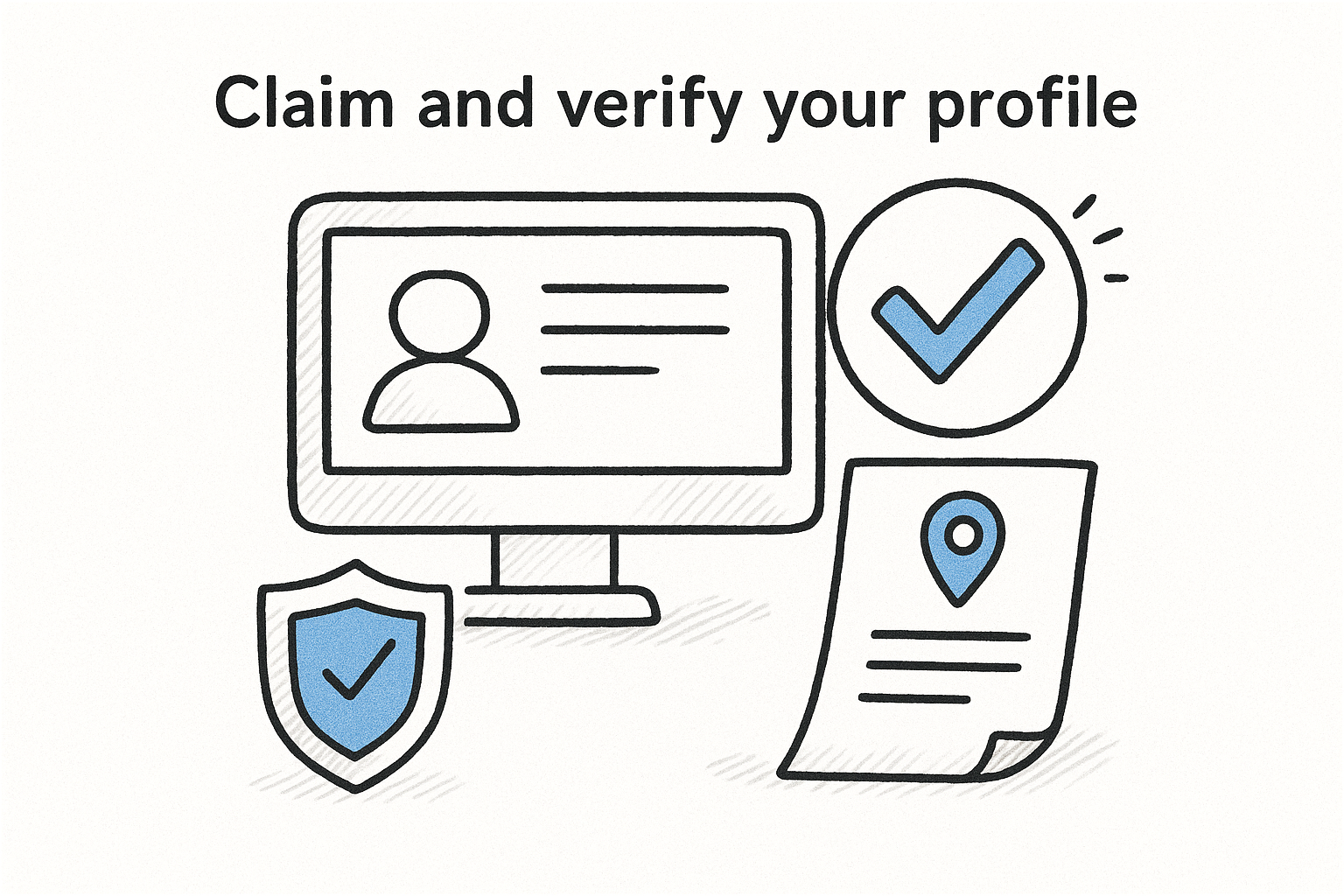
Once verified, add any staff who handle client communications under "Business Profile settings" and then "Managers." Assign them the Manager role rather than Owner so you retain full control while they handle day-to-day responses. Aim to have at least two people with access so coverage doesn't lapse.
An unverified profile appears in Search and Maps but locks you out of replies, flagging tools, and performance data entirely.
Enable review notifications
Notification settings control whether Google emails your team when a new review posts. Inside the Business Profile dashboard, click "Settings," then "Notifications," and turn on alerts for new reviews. Add a secondary manager email as a backup so review activity never goes unnoticed when your primary contact is unavailable.
This simple step ensures no review sits unanswered for days, which directly affects how prospective clients perceive your firm's responsiveness before they ever call.
How do you monitor and organize incoming reviews?
Staying on top of Google Business Profile reviews requires more than just turning on email alerts. You need a consistent process for checking, logging, and prioritizing reviews so nothing slips through, especially on high-volume weeks when your intake team is already stretched.
Check your dashboard on a fixed schedule
Log into your Business Profile dashboard at least three times per week and navigate to the "Reviews" tab. Scanning on a fixed schedule, rather than relying solely on email notifications, catches reviews that Google occasionally delays delivering by email. Pay attention to the review date versus the notification date so you know how quickly Google flagged each new post.
Reviews left unanswered for more than seven days signal to prospective clients that your firm is unresponsive, even if the review itself is positive.
Keep a simple review log
Track incoming reviews in a shared spreadsheet with five columns: reviewer name, star rating, date posted, response status, and any flagging action taken. This log gives your team a single source of truth and helps you spot patterns, such as a sudden cluster of one-star reviews that may indicate a coordinated attack worth reporting to Google.
How do you reply to positive and negative reviews?
Your response strategy for Google Business Profile reviews signals professionalism to every prospective client who reads it, not just the original reviewer. Reply to every review within 48 hours to show your firm is attentive and accountable.
Responding to positive reviews
Thank the reviewer by name, reference the specific service or outcome they mentioned, and keep your response under three sentences. Avoid restating the reviewer's full situation in your reply, since doing so can raise confidentiality concerns under state bar rules.
Use this template:
"Thank you, [First Name]. We're glad we could help with your [general matter type]. It was a privilege to work with you and your family."
Responding to negative reviews
Negative reviews require more care than positive ones. Acknowledge the reviewer's frustration, avoid admitting liability, and move the conversation offline by providing a direct phone number or email address. Never argue point-by-point in a public reply thread.
Use this template:
"We're sorry to hear about your experience, [First Name]. We take all feedback seriously and would like to speak with you directly. Please contact our office at [phone number] at your earliest convenience."
One measured, professional reply to a negative review can convert a skeptical prospective client into a call.
Why do reviews disappear and what should you do?
Google Business Profile reviews don't always disappear because of something your firm did wrong. Google's automated spam filter removes reviews it flags as policy violations, and those filters make mistakes. Knowing the most common causes helps you act quickly instead of waiting and hoping the review reappears.
Why does Google remove reviews automatically?
Google's algorithm pulls reviews that it suspects violate its content policies, including off-topic content, fake reviews, and reviews posted from IP addresses associated with the business itself. Legitimate reviews sometimes get caught in this filter, particularly when a client posts from inside your office on your Wi-Fi network.
Ask clients to post reviews at home or on their mobile data connection to reduce the chance of an automatic removal.
How do you report and request a review removal?
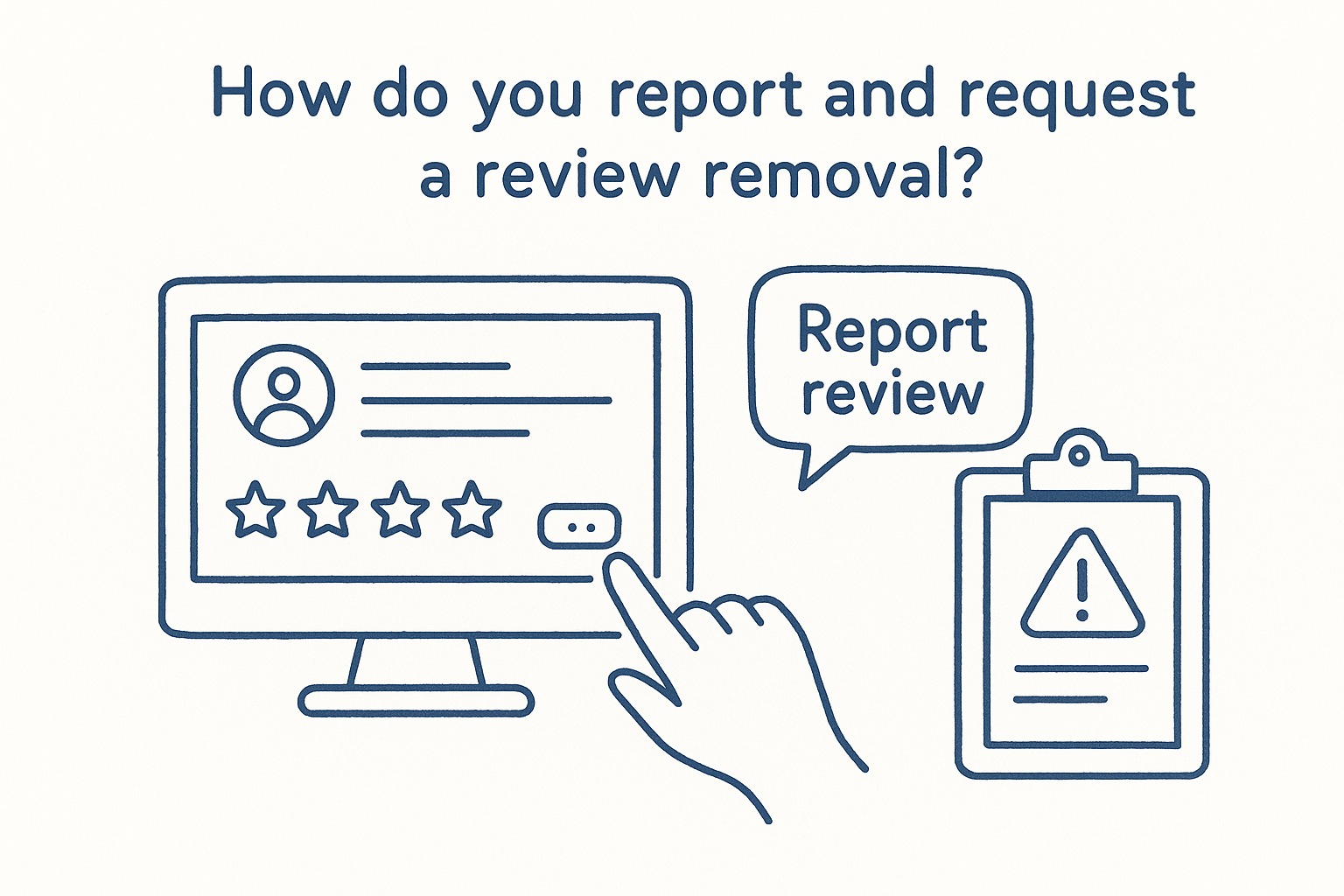
If a fake or policy-violating review slips through, flag it directly inside your Business Profile dashboard by clicking the three-dot menu next to the review and selecting "Report review." For reviews Google incorrectly removed, use the Business Profile Help Community to submit a reinstatement request with screenshots of the original review. Google typically responds within five to seven business days.
Frequently Asked Questions
These questions come up regularly among law firm owners and marketing managers handling Google Business Profile reviews. For current policy details, check Google's official Business Profile Help Center.
How long does Google take to remove a reported review?
Google processes flagged reviews within 5 to 7 business days. Your firm won't receive a confirmation email, so check the Reviews tab in your dashboard manually after that window closes.
Can your firm reply to a review without revealing client details?
Keep your reply general and avoid confirming any attorney-client relationship. A response like "Please reach out to our office directly" satisfies both state bar ethics rules and Google's content guidelines.
What happens if a competitor posts a fake review on your profile?
Select the three-dot menu next to the review and click "Report review." If Google takes no action within 7 business days, escalate through the Business Profile Help Community and include screenshots.
How do you request reviews from clients without violating bar rules?
Most state bars allow review requests as long as you offer no incentives and make no misleading claims. A short post-case email asking for honest feedback satisfies both Google's policies and professional conduct rules.
Can your firm delete a negative review directly?
No. Only the original reviewer can remove their post. Your firm can report reviews that violate Google's content policies, but you have no direct ability to delete any review unilaterally.
Next Steps
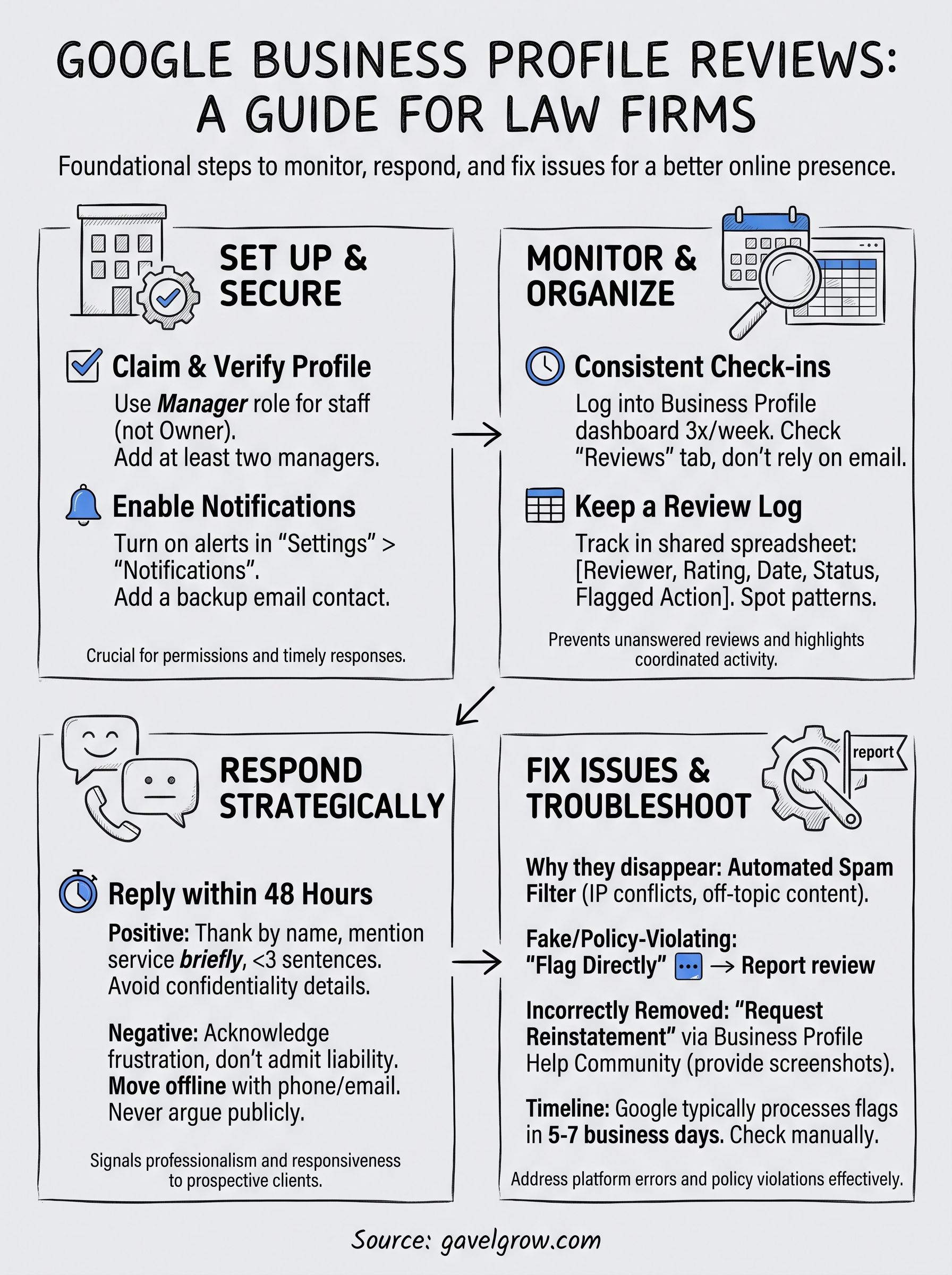
Managing Google Business Profile reviews well requires consistency across four areas: a verified profile with at least two managers, a fixed monitoring schedule, response templates ready for both positive and negative feedback, and a clear process for reporting fake or missing reviews. Each piece works together, and skipping one creates gaps that cost you prospective clients before they ever call.
Reputation is only one part of the larger picture. Your review score attracts the click, but your intake process determines whether that click becomes a signed retainer. Slow follow-up, missed calls, and disconnected tracking tools erode the trust your reviews build. GavelGrow's platform connects call tracking, intake automation, and lead attribution in one dashboard built specifically for law firms.
If you want to see how your current marketing stacks up before making any changes, run your firm through our free law firm marketing scorecard and get a clear picture of where to focus first.
Frequently Asked Questions
How long does Google take to remove a reported review?
Google processes flagged reviews within 5 to 7 business days . Your firm won't receive a confirmation email, so check the Reviews tab in your dashboard manually after that window closes.
Can your firm reply to a review without revealing client details?
Keep your reply general and avoid confirming any attorney-client relationship . A response like "Please reach out to our office directly" satisfies both state bar ethics rules and Google's content guidelines.
What happens if a competitor posts a fake review on your profile?
Select the three-dot menu next to the review and click " Report review ." If Google takes no action within 7 business days , escalate through the Business Profile Help Community and include screenshots.
How do you request reviews from clients without violating bar rules?
Most state bars allow review requests as long as you offer no incentives and make no misleading claims. A short post-case email asking for honest feedback satisfies both Google's policies and professional conduct rules.
Can your firm delete a negative review directly?
No. Only the original reviewer can remove their post. Your firm can report reviews that violate Google's content policies , but you have no direct ability to delete any review unilaterally.