Legal Intake Automation: Tools, Workflows, And ROI Tracking
Categories: Legal Marketing Strategies
 Abram Ninoyan
Founder & Senior Performance Marketer
Credentials: Google Partner, Google Ads Search Certified, Google Ads Display Certified, Google Ads Measurement Certified, Google Analytics (IQ) Certified, HubSpot Inbound Certified, HubSpot Social Media Marketing Certified, Conversion Optimization Certified
Expertise: Google Ads, Meta Ads, Conversion Rate Optimization, GA4 & Google Tag Manager, Lead Generation, Marketing Funnel Optimization, PPC Management
LinkedIn Profile
Legal intake automation replaces manual phone screens, paper forms, and scattered spreadsheets with software that captures, routes, and follows up with new leads in seconds, not hours. The math is str...
Key Takeaways
- Legal Intake Automation: Tools, Workflows, And ROI Tracking
- Why does legal intake automation matter?
- What does legal intake automation include?
- How to implement legal intake automation
Legal Intake Automation: Tools, Workflows, And ROI Tracking
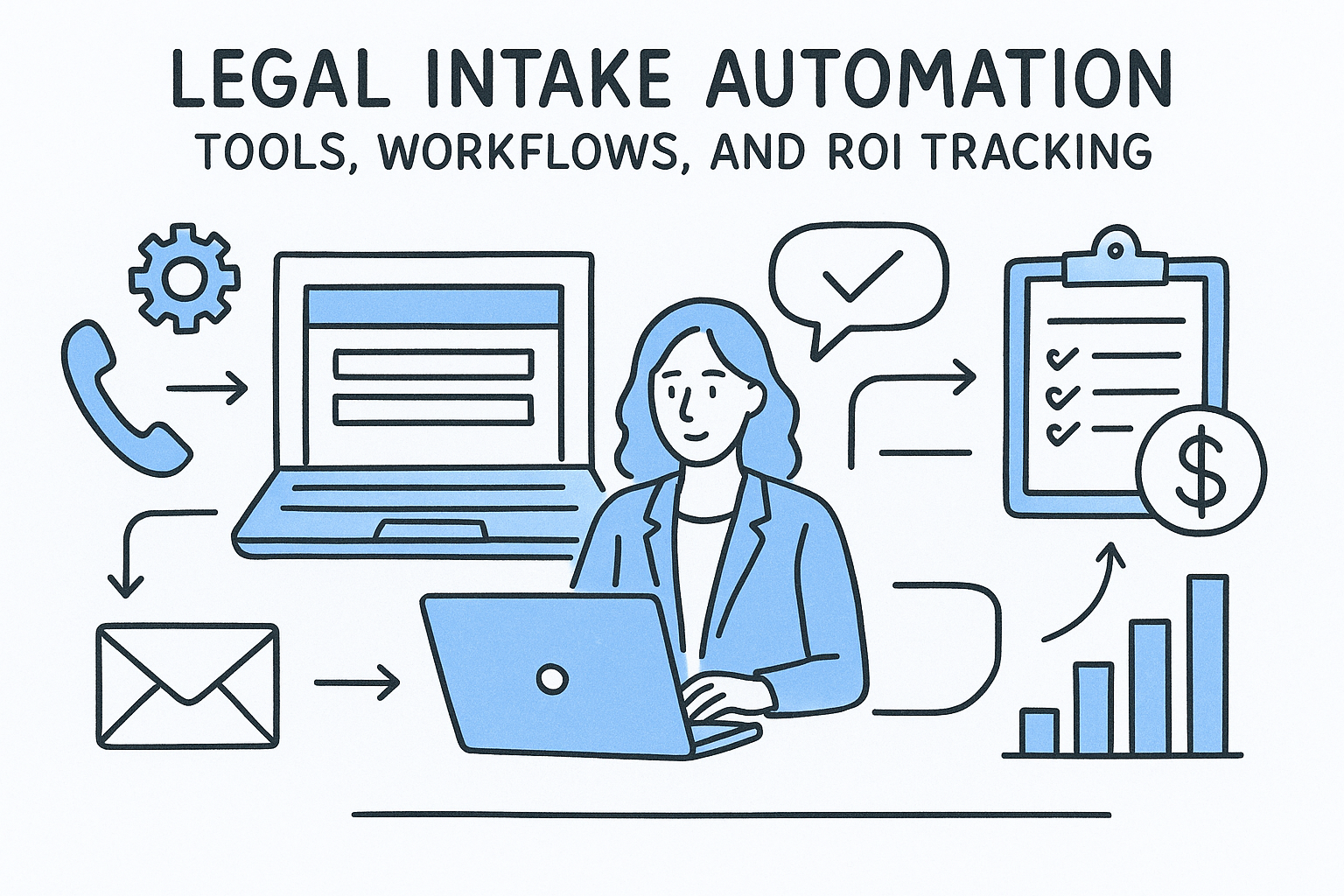
Legal intake automation replaces manual phone screens, paper forms, and scattered spreadsheets with software that captures, routes, and follows up with new leads in seconds, not hours.
The math is straightforward but painful: the Lead Response Management Study found that leads contacted within five minutes were 21 times more likely to qualify than those first reached at thirty minutes. Wait a day or three and the lead has often signed with someone else. Firms spending $5K, $25K, or $100K+ per month on ads can't afford a leaky intake process undoing that investment. Yet most firms still duct-tape together a contact form, a shared Gmail inbox, and a paralegal's sticky notes, then wonder why their cost-per-signed-case keeps climbing.
This guide breaks down what a modern legal intake automation workflow actually looks like, from the moment a lead hits your form to the moment they sign a retainer. You'll get a side-by-side comparison of the major tools built for law firms, specific workflow templates you can steal, and a framework for tracking ROI at the case level, not just the lead level. We built GavelGrow's platform around this exact problem: intake forms with TCPA-compliant consent logging, SMS (once US carriers approve your number) and email sequences that fire within minutes, and full-funnel attribution that connects every signed case back to the campaign that generated it. Whether you use our platform or not, the principles here will help your firm stop hemorrhaging leads between the click and the consultation.
Why does legal intake automation matter?
Every dollar your firm spends on Google Ads or Local Services Ads is a bet that the person who clicks will eventually sign a retainer. That bet fails silently when your intake process can't keep pace with incoming leads. Legal intake automation exists to close the gap between a prospect's first contact and your first substantive response, and the firms that close that gap fastest consistently win a larger share of available cases in their market.
The data on this is not subtle. Research published by Harvard Business Review found that companies contacting leads within one hour are nearly seven times more likely to qualify those leads compared to firms that wait even two hours. In legal specifically, the stakes are higher because prospects are often in crisis: they've just been in a car accident, received divorce papers, or been arrested. They submit one form, then immediately call two or three competing firms. The first attorney who responds with something substantive, rather than a voicemail, usually earns the retention.
Speed-to-lead is not a marketing metric. It is a revenue metric, and every hour of delay has a measurable dollar cost attached to it.
The Speed-to-Lead Gap Is Costing You Real Money
Leads contacted within five minutes of form submission are 21 times more likely to qualify than leads reached 30 minutes later, per the widely cited Lead Response Management study. If your intake staff works standard business hours, you're going dark during evenings and weekends, which is precisely when a large share of personal injury and criminal defense leads arrive. A prospect who searches "DUI attorney near me" at 11 PM on a Friday is not going to wait until Monday morning.
Manual intake cannot operate at that speed consistently, regardless of how dedicated your staff is. A paralegal managing intake alongside other responsibilities will miss calls, fail to follow up on web form submissions, or log information incorrectly under time pressure. Those errors compound quickly: a lead marked "called back" who never actually heard from your firm disappears from the pipeline entirely. Your firm absorbs the full acquisition cost of that lead without ever giving it a real chance to convert, and standard reporting never flags it because no tracking system captured the failure.
Why Generic CRMs Fall Short for Law Firms
Most firms that recognize this problem reach for a general-purpose CRM like Salesforce or HubSpot. Those platforms can log contacts and track pipeline stages, but they were not built for the specific constraints that legal intake creates. State bar advertising compliance, TCPA consent requirements for SMS outreach, and two-party consent rules for recorded calls are not features that a generic CRM ships with. Your team ends up building workarounds manually, which reintroduces the human error you were trying to eliminate.
A legal-specific intake system builds those compliance guardrails directly into the workflow from day one. TCPA-compliant consent logging, automatic opt-out handling for STOP and HELP keywords, and carrier-level phone validation eliminate an entire category of regulatory risk that generic tools leave on your shoulders. For firms running high-volume personal injury or mass tort campaigns, where hundreds of leads per month move through SMS sequences, that infrastructure is not optional. It is the foundation every other piece of your intake process depends on.
What does legal intake automation include?
Legal intake automation is not a single tool but a stack of connected capabilities that handle every step from initial contact to qualified lead, without requiring manual intervention at each handoff. Understanding what that stack actually covers helps you identify exactly where your current process leaks cases.
Capture and Qualification
Your intake automation starts the moment a prospect submits a form, calls a tracking number, or sends a message through your website. A properly configured intake system captures that contact instantly, validates the phone number at the carrier level to filter out bad data, checks for duplicate submissions within a short window, and logs TCPA consent automatically. From there, built-in logic can route leads by practice area, geography, or campaign source so the right person on your team sees the right lead without any manual sorting.
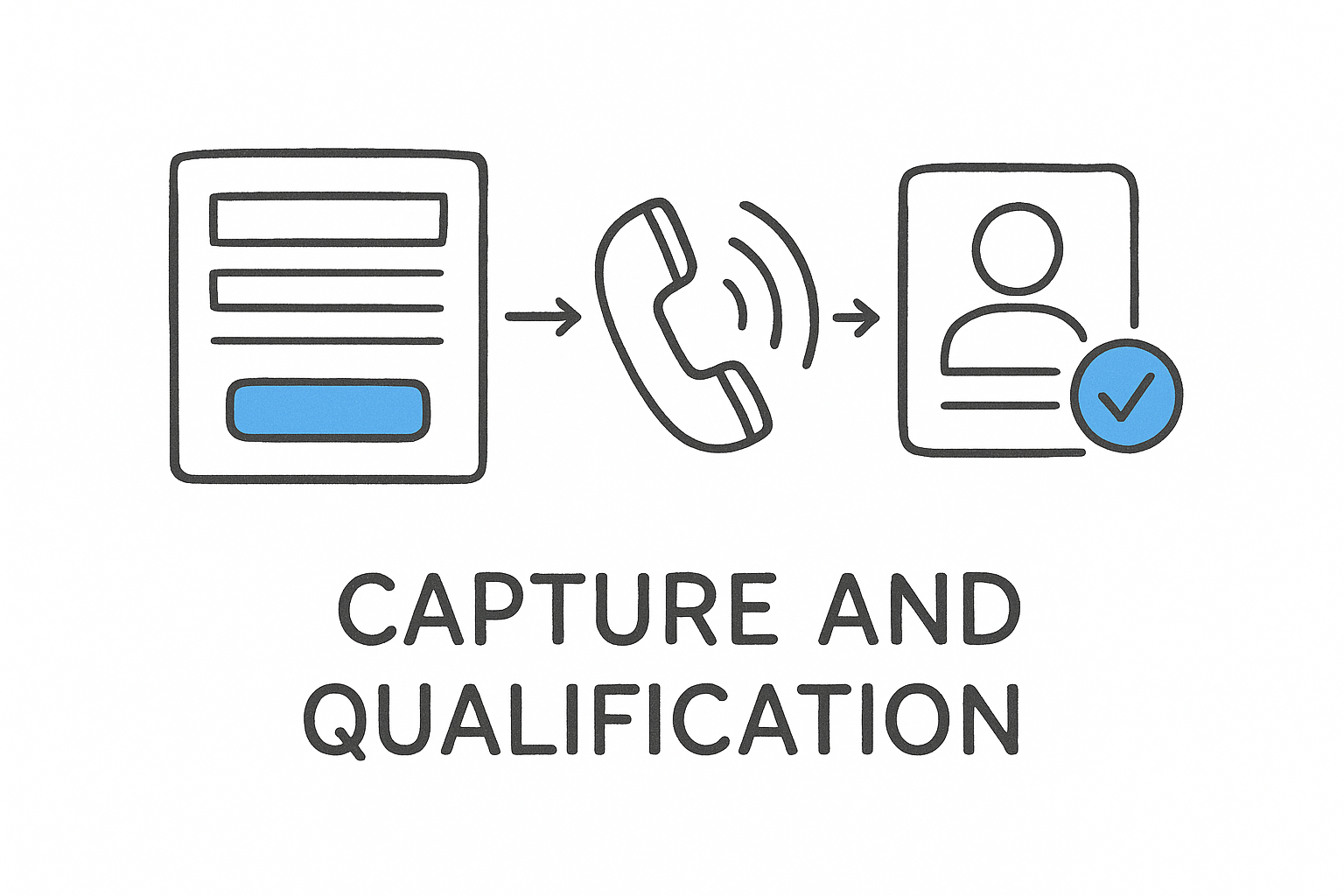
The qualification step is where most firms lose ground: sending every lead to the same inbox with no triage is functionally the same as having no system at all.
Multi-step intake forms improve qualification further by collecting case-specific information upfront, incident date, injury type, or opposing party details, depending on your practice area. That information feeds directly into your pipeline so your intake staff can review a pre-populated lead record rather than spending the first five minutes of a call gathering basics.
Automated Follow-Up Sequences
Once a lead is captured, your system needs to respond before a competing firm does. SMS and email sequences that fire within 60 seconds of form submission consistently outperform manual follow-up in both connection rate and conversion rate. Those sequences should handle CTIA opt-out keywords like STOP and HELP automatically, so your firm stays compliant without staff monitoring every conversation thread.
A well-built sequence typically includes an immediate confirmation message, a second touchpoint if the lead does not respond within a set window, and a final follow-up before the lead ages out of the active pipeline. Each message should reference the specific practice area or campaign that generated the lead, not a generic "thanks for contacting us" placeholder.
Call Tracking and Recording
Per-campaign call tracking numbers tie every inbound call back to the specific ad or channel that generated it. Recording and outcome tagging, qualified, callback needed, or not a fit, give your team a structured log that replaces informal notes and surfaces patterns across your entire call volume.
How to implement legal intake automation
Implementing legal intake automation works best when you treat it as a phased build rather than a single-day configuration project. Most firms that fail at implementation try to automate everything at once, hit a wall when something breaks, and revert to manual processes. A structured, three-phase approach gets your system producing results within a week while leaving room to refine as you learn.
Audit Your Current Intake Process First
Before you touch any software, map every touchpoint a lead encounters from the moment they submit a form or make a call to the moment someone at your firm has a substantive conversation with them. Write down who handles each step, how long each step takes, and where leads most often fall through. Most firms that complete this audit find two or three specific failure points that account for the majority of lost cases: an after-hours gap with no response, a shared inbox that nobody owns, or a manual data-entry step that delays the first follow-up by hours.
The goal of this audit is not to document your process but to identify the specific gaps where your acquisition budget disappears before it can convert.
Configure Your Forms and Routing Logic
Your intake forms need to collect case-qualifying information upfront so your team reviews a pre-screened lead, not a blank contact entry. Build multi-step forms that adapt based on practice area, for example, a personal injury form should ask about the incident date and injury type before the lead reaches your pipeline. Routing logic should automatically assign leads by case type or geography so the right staff member sees the right lead without anyone triaging manually.
Carrier-level phone validation, duplicate detection within a ten-minute window, and TCPA consent logging should run automatically at the point of submission, not as a manual checkbox your team remembers to complete.
Build and Test Your Follow-Up Sequences
Your automated SMS and email sequences need to fire within 60 seconds of form submission. Write separate sequences for each practice area so every message references the specific situation the prospect is in rather than sending a generic confirmation. Run test submissions through every form variant before going live, confirm the messages arrive within the expected window, and verify that STOP and HELP opt-out keywords trigger immediate removal from the sequence.
How to track ROI from lead to signed retainer
Most law firms measure marketing performance by cost-per-lead, which is the wrong metric. A lead that never converts costs your firm exactly as much in ad spend as a lead that signs a retainer, but CPL treats both outcomes as identical wins. Real ROI tracking in legal intake automation requires connecting every lead from its originating campaign all the way through to a signed retainer, so you know which channels produce signed cases, not just form submissions.
Assign Campaign Attribution at the Point of Capture
Your tracking system needs to tag every lead with its source at the exact moment it enters your pipeline, before any manual steps can break the chain. Per-campaign call tracking numbers connect every inbound call to the specific ad or keyword group that triggered it. Form submissions should carry UTM parameters or native campaign IDs so that source data travels with the lead record through every subsequent stage, from initial contact to consultation to signed retainer.
Without that upstream tagging, you lose the attribution thread the moment a lead moves between tools. A prospect who clicks a Google Ad, fills out a form, gets a follow-up call three days later, and eventually signs a retainer should generate a complete chain of data that your dashboard reads without manual reconstruction.
Attribution that requires manual entry at any stage will break within 30 days as staff priorities shift.
Measure Cost Per Signed Case, Not Cost Per Lead
Once attribution is running cleanly, shift every performance conversation from CPL to cost-per-signed-case. Pull your total campaign spend for a given period, divide it by the number of retainers signed from that campaign, and you have a number that actually reflects business output. That figure will often look dramatically different across channels: a campaign with a $40 CPL might produce a $1,200 cost-per-signed-case, while a higher-CPL campaign converts far more efficiently at the consultation stage.
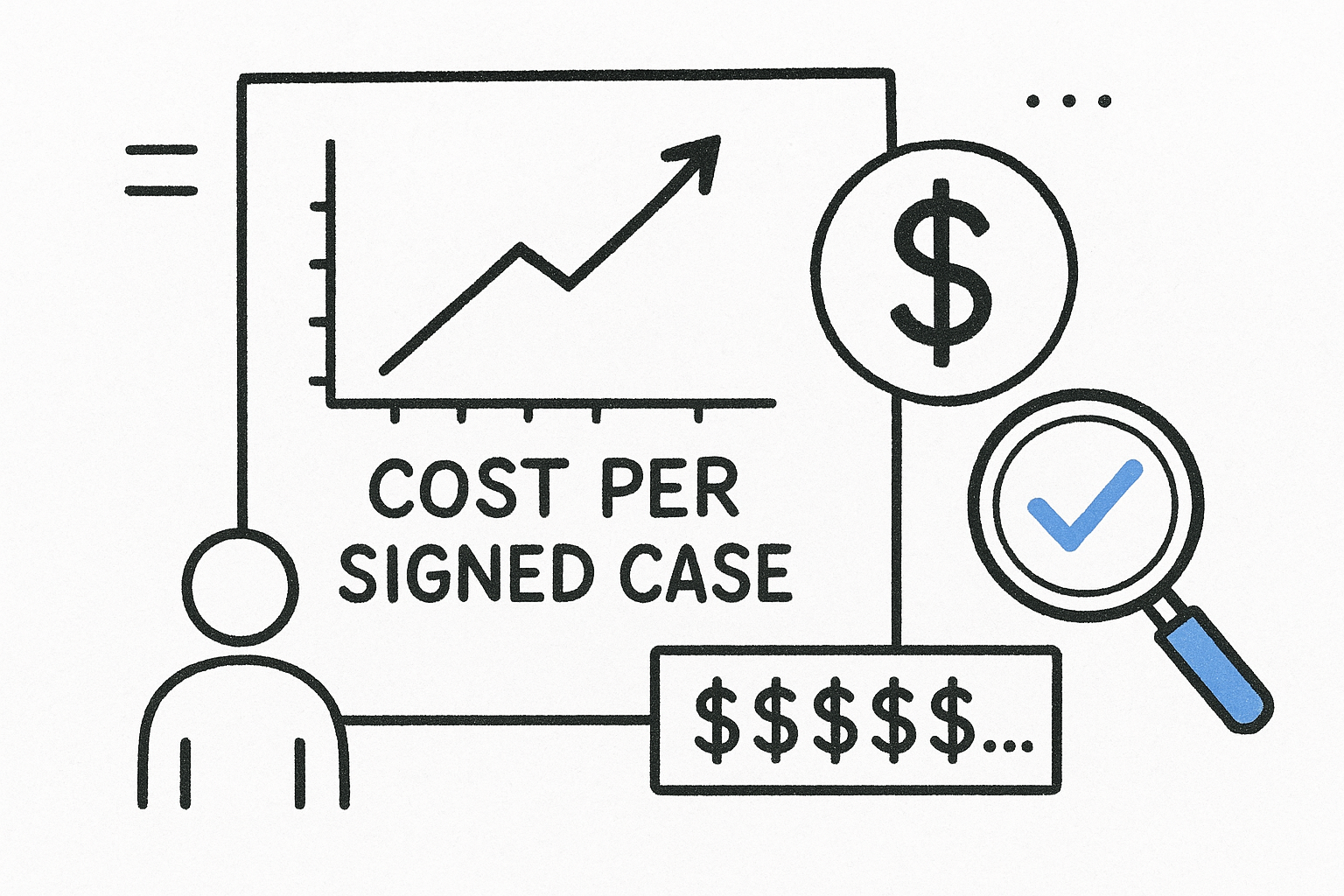
GavelGrow's platform surfaces cost-per-signed-case at the campaign level inside the same dashboard that tracks intake forms, call recordings, and follow-up sequences, so you never have to pull numbers from three separate tools and build a spreadsheet manually. Comparing your figures against the modelled practice-area benchmarks also shows whether your cost-per-signed-case is competitive for your practice area and market size, which is the context your CPL alone cannot provide.
Frequently Asked Questions
The questions below reflect what managing partners and marketing directors ask most often when evaluating legal intake automation tools and workflows. Each answer pulls from real data and platform capabilities rather than general advice.
What is legal intake automation?
Legal intake automation is software that captures, routes, and follows up with new leads automatically, replacing the manual steps that slow your firm's first response. A complete system handles form submissions, inbound calls, and follow-up sequences without requiring staff action at every handoff. It also logs TCPA consent and validates phone numbers at the point of capture. The result is a lead pipeline your team can triage from a single dashboard rather than monitoring three separate inboxes simultaneously.
How quickly should your firm respond to a new lead?
Your firm should respond within five minutes of any form submission or inbound call. A widely cited Lead Response Management study found that leads contacted within five minutes are 21 times more likely to qualify than those reached after 30 minutes. After-hours and weekend gaps require automated first responses because no staff member can consistently cover those windows without a system firing the initial message for them.
If your intake staff works 9-to-5, your firm is effectively handing evening and weekend leads to competing firms that run automated sequences around the clock.
Does legal intake automation work for small firms?
Small firms often see the largest proportional gains because a solo practitioner or two-attorney office has no redundancy when the person handling intake is in court or preparing a filing. Platforms like GavelGrow start at $199 per month, which is a fraction of what a single lost personal injury retainer costs in foregone revenue. Automation lets a small team respond at the speed of a staffed operation without adding headcount.
How does TCPA compliance work with automated SMS?
Your automated SMS system must collect explicit written consent before sending any marketing messages and must honor opt-out keywords like STOP and HELP immediately. A compliant system logs that consent with a timestamp in an append-only audit record so your firm can demonstrate compliance if a complaint arises. Generic CRMs do not ship with this infrastructure, which is why legal-specific platforms build it in by default.
What metrics should your firm track to measure intake ROI?
Shift your reporting from cost-per-lead to cost-per-signed-case to capture a metric that reflects actual revenue output. Divide your total campaign spend by the number of retainers signed from that campaign during the same period. GavelGrow's modelled practice-area benchmarks let you compare your cost-per-signed-case with modelled ranges for your practice area, so you can see right away whether your number looks competitive or signals a conversion problem worth fixing.
Next Steps
Legal intake automation is not a future upgrade for your firm. It is the infrastructure that determines whether your marketing spend produces signed retainers or simply fills a leaky funnel. Every hour your firm operates without automated follow-up, TCPA-compliant consent logging, and campaign-level attribution is an hour where leads you paid to acquire are quietly signing with competing firms that respond faster.
Start with the audit. Map every step from form submission to first conversation, find the two or three gaps where leads disappear, and build your automation around closing those specific holes first. GavelGrow's platform covers the entire stack, from intake forms and SMS sequences to call tracking and cost-per-signed-case reporting, with modelled practice-area benchmarks to show you exactly where your numbers stand against comparable firms.
Book a free 45-minute strategy call and walk through your current intake process with someone who has seen it across 500+ law firms.
Frequently Asked Questions
What is legal intake automation?
Legal intake automation is software that captures, routes, and follows up with new leads automatically, replacing the manual steps that slow your firm's first response. A complete system handles form submissions, inbound calls, and follow-up sequences without requiring staff action at every handoff. It also logs TCPA consent and validates phone numbers at the point of capture. The result is a lead pipeline your team can triage from a single dashboard rather than monitoring three separate inboxes simultaneously.
How quickly should your firm respond to a new lead?
Your firm should respond within five minutes of any form submission or inbound call . A widely cited Lead Response Management study found that leads contacted within five minutes are 21 times more likely to qualify than those reached after 30 minutes. After-hours and weekend gaps require automated first responses because no staff member can consistently cover those windows without a system firing the initial message for them. If your intake staff works 9-to-5, your firm is effectively handing evening and weekend leads to competing firms that run automated sequences around the clock.
Does legal intake automation work for small firms?
Small firms often see the largest proportional gains because a solo practitioner or two-attorney office has no redundancy when the person handling intake is in court or preparing a filing. Platforms like GavelGrow start at $199 per month , which is a fraction of what a single lost personal injury retainer costs in foregone revenue. Automation lets a small team respond at the speed of a staffed operation without adding headcount.
How does TCPA compliance work with automated SMS?
Your automated SMS system must collect explicit written consent before sending any marketing messages and must honor opt-out keywords like STOP and HELP immediately. A compliant system logs that consent with a timestamp in an append-only audit record so your firm can demonstrate compliance if a complaint arises. Generic CRMs do not ship with this infrastructure, which is why legal-specific platforms build it in by default.
What metrics should your firm track to measure intake ROI?
Shift your reporting from cost-per-lead to cost-per-signed-case to capture a metric that reflects actual revenue output. Divide your total campaign spend by the number of retainers signed from that campaign during the same period. GavelGrow's modelled practice-area benchmarks let you compare your cost-per-signed-case with modelled ranges for your practice area , so you can see right away whether your number looks competitive or signals a conversion problem worth fixing.