Conversion Rate Optimization Audit: What It Is for Law Firms
Categories: Legal Marketing Strategies
 Abram Ninoyan
Founder & Senior Performance Marketer
Credentials: Google Partner, Google Ads Search Certified, Google Ads Display Certified, Google Ads Measurement Certified, Google Analytics (IQ) Certified, HubSpot Inbound Certified, HubSpot Social Media Marketing Certified, Conversion Optimization Certified
Expertise: Google Ads, Meta Ads, Conversion Rate Optimization, GA4 & Google Tag Manager, Lead Generation, Marketing Funnel Optimization, PPC Management
LinkedIn Profile
Your Google Ads and Local Services campaigns are generating clicks, but too few of those clicks turn into signed retainers. That gap is exactly what a conversion rate optimization audit exposes: a str...
Key Takeaways
- Why does your law firm need a CRO audit?
- How to run a conversion rate optimization audit
- Which pages and conversion points should you audit first?
- Common conversion barriers on law firm websites
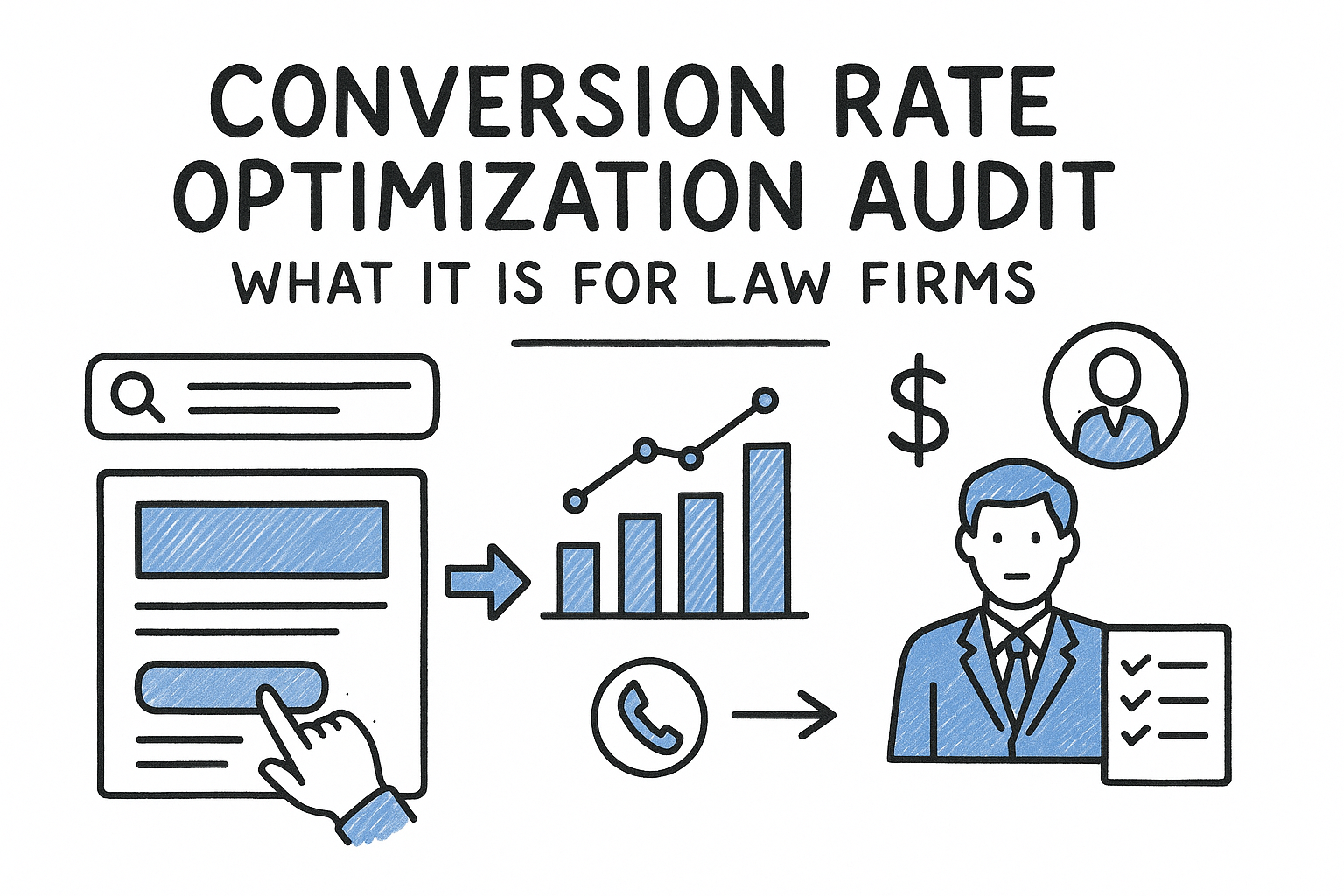
Your Google Ads and Local Services campaigns are generating clicks, but too few of those clicks turn into signed retainers. That gap is exactly what a conversion rate optimization audit exposes: a structured look at every step between an ad click and a completed intake form, so you can see where prospective clients drop off before they ever talk to your firm.
A CRO audit for a law firm is a systematic review of your intake path, mobile form performance, call handling, and follow-up speed, measured against what actually moves a lead to a signed case. It's not a generic website review. It answers a specific question: where is your firm losing cases it already paid to generate, and what's the fastest fix?
This guide walks through how to run that audit yourself, what to check first, and which fixes tend to matter most for legal intake. You'll get a practical checklist you can apply this week, plus a look at how tools like GavelGrow's platform help surface these gaps through full-funnel attribution from click to signed case instead of manual guesswork.
Why does your law firm need a CRO audit?
Most firms measure marketing success by cost per lead, but that number hides the real problem. The real cost of each signed case is what actually matters, and it's often many times higher than cost per lead once you account for leads that never pick up the phone, never finish the intake form, or get lost in a slow follow-up queue. A conversion rate optimization audit forces you to look at that full path, not just the top of the funnel, so you know exactly where your ad spend is turning into revenue and where it's leaking out.
The math firms usually get wrong
Spend often stays flat while lead volume climbs, and partners assume that's progress. It isn't, if the signed-case rate on those leads is dropping at the same time. Say your firm generates 200 leads a month at $150 each, but only 20 become signed cases. Your real cost per signed case is $1,500, not $150. Run the same math after fixing one broken step in your intake flow, say a mobile form that times out or a missed-call chain that never gets a callback, and that number can drop by hundreds of dollars per case without spending another dollar on ads.
A CRO audit doesn't get you more leads. It gets you more signed cases from the leads you're already paying for.
Where the leaks usually are
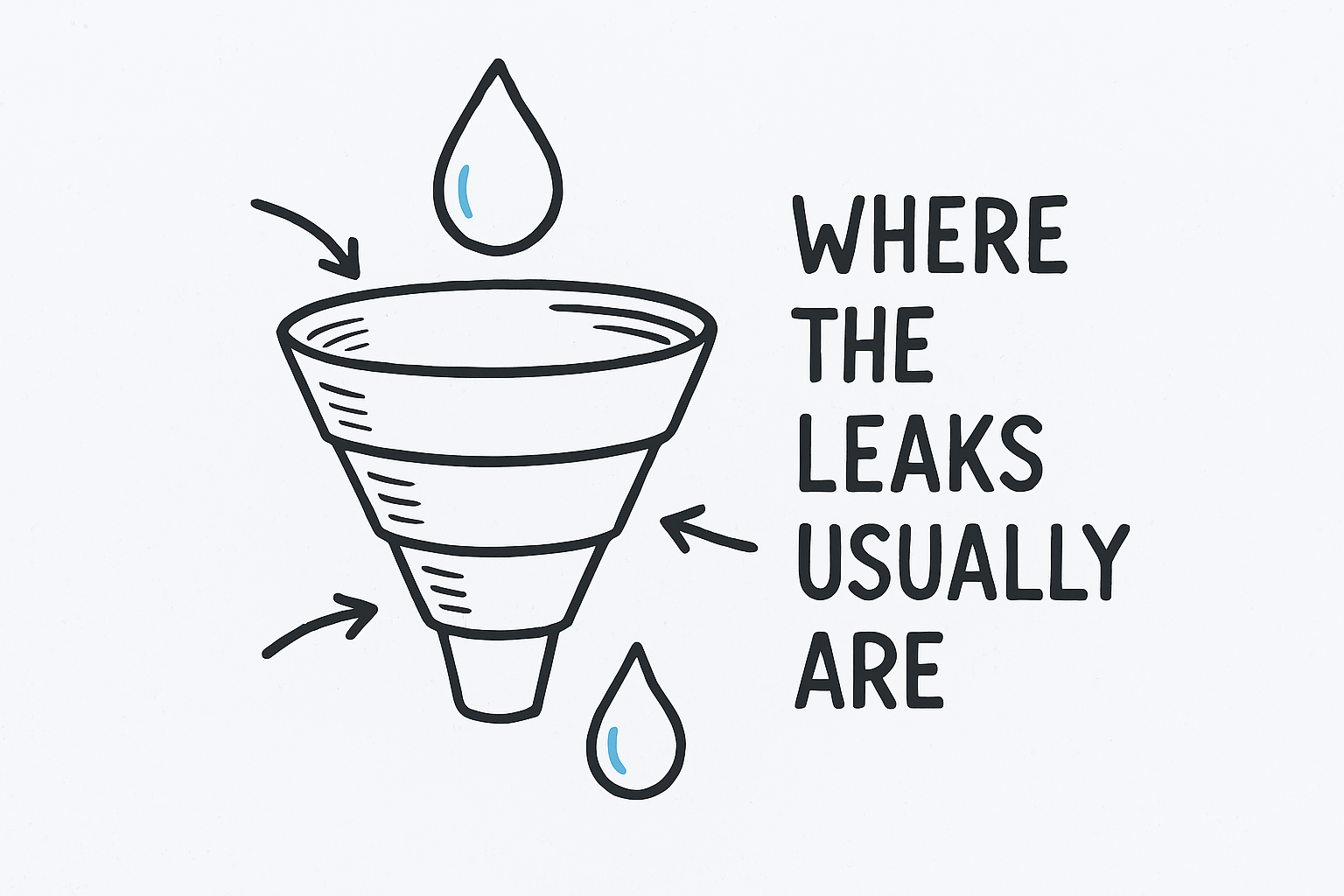
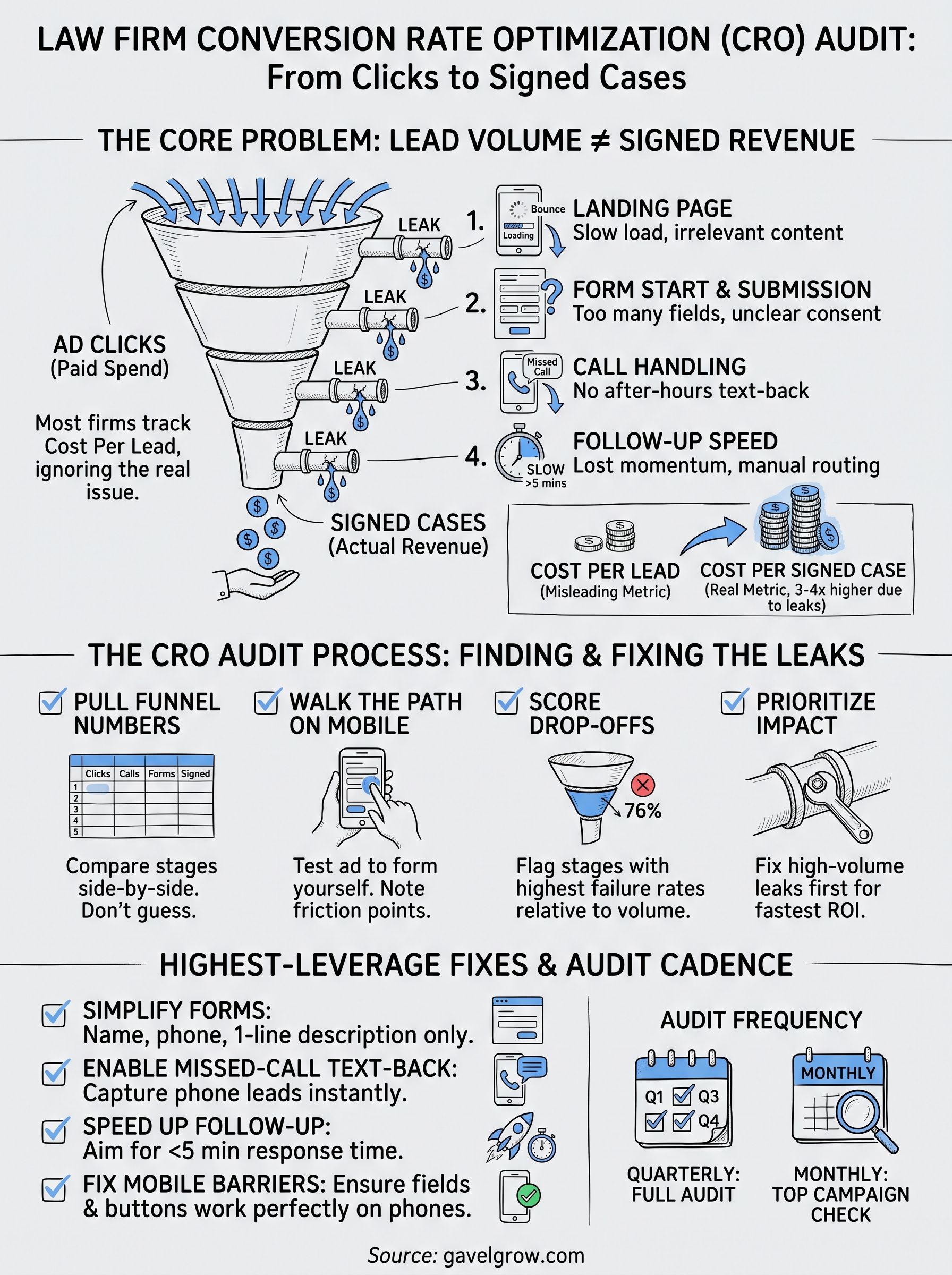
Legal intake has more failure points than most e-commerce or SaaS funnels, because a phone call matters just as much as a form submission. A conversion audit for a law firm has to check call handling, SMS response time, and human follow-up, not just page load speed and button placement. Below is where firms typically lose the most volume, roughly in order of impact:
- Ad click to landing page: high bounce on mobile, usually from slow load times or page content that doesn't match the ad.
- Landing page to form start: low form engagement, usually from too many fields or an unclear purpose.
- Form start to submission: abandonment mid-form, usually from no progress indicator or confusing consent language.
- Call to answered call: missed calls, usually from no after-hours coverage and no missed-call text-back.
- Lead capture to first contact: slow follow-up, usually from manual routing and no automated sequence.
- First contact to signed retainer: lost momentum, usually from inconsistent attorney response and no visibility into case status.
Each of those leaks represents money you've already spent. A CRO audit walks through each one methodically to pinpoint the stage where a law firm funnel breaks instead of guessing which stage is the problem.
The compliance and reputation angle
Beyond revenue, an intake path riddled with friction creates real exposure. If your intake forms don't log TCPA consent properly, or your call recordings aren't handled with the right two-party-consent process for your state, a CRO audit is often the first place that gets caught. Firms running personal injury or mass tort campaigns in particular tend to have high lead volume masking these gaps, since a handful of consent errors are easy to miss when hundreds of leads are coming in weekly.
Speed matters here too. The Lead Response Management Study found that leads contacted within five minutes are far more likely to be qualified than those first reached after thirty minutes. That's not a conversion guarantee, it's about odds of qualifying the lead at all. If your audit shows average first-contact time creeping past that window, you've found one of the highest-leverage fixes available, and likely part of the reason so many law firm leads never hear back.
GavelGrow's platform keeps much of this current for you, reporting cost per signed case by campaign, showing speed-to-lead on every lead, and matching calls to leads without manual spreadsheet work. Whether you run the audit yourself or lean on tooling to do it continuously, the goal is the same: stop paying for leads your intake process quietly throws away.
How to run a conversion rate optimization audit
Running a CRO audit doesn't require a specialized agency or a month of research. It requires a defined process you follow the same way every time, so you catch problems consistently instead of only noticing whatever's obvious that week. Here's the sequence that works for most law firm intake funnels.
Step 1: Pull your real funnel numbers
Start with data, not opinions. You need click volume, form starts, form completions, calls received, calls answered, and signed cases, all broken out by campaign and by device. Most firms have some of this scattered across Google Ads, a call tracking tool, and a case management system, which is exactly why the numbers rarely get compared side by side. Pulling them into one view is the single most important step, because it tells you where to spend your audit time instead of forcing you to guess.
Step 2: Walk the funnel yourself, on mobile first
If you haven't submitted your own intake form on a phone this month, you don't actually know what your leads are experiencing.
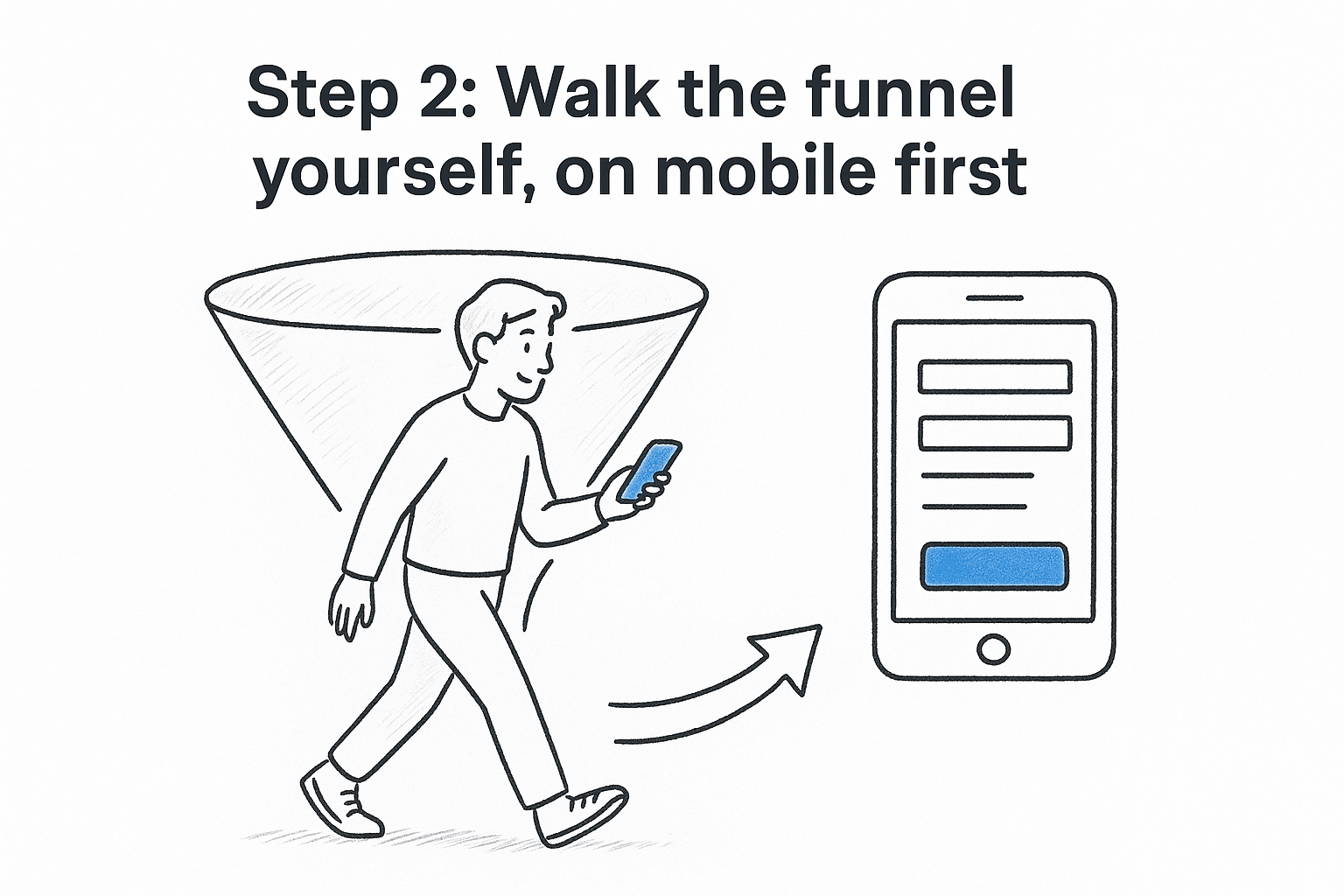
Click your own ads. Fill out your own forms. Call your own tracking number after hours. Mobile testing matters more than desktop here, since a large share of legal ad traffic arrives on a phone, and forms that look fine on a laptop often break, stall, or feel tedious on a small screen. Note every point of friction: a field that's hard to tap, a consent checkbox that's confusing, a submit button that doesn't give feedback.
Step 3: Score each funnel stage against a leak threshold
Compare your actual numbers against reasonable expectations for each stage, not against universal benchmark numbers that don't account for practice area. A CRO audit should flag stages that are clearly underperforming relative to your other campaigns or your prior months, since that comparison is more reliable than an external number pulled from a different context.
- List every funnel stage from click to signed case.
- Note the drop-off percentage at each stage.
- Flag any stage where drop-off jumped compared to last quarter.
- Rank flagged stages by lead volume, since fixing a leak on a high-traffic campaign matters more than a low-traffic one.
Step 4: Prioritize fixes by effort and impact
Not every leak deserves the same attention. A missing missed-call text-back is usually a quick fix with high impact. A full redesign of your intake form is higher effort and should wait until quicker wins are handled. Order your fix list this way, and you'll see movement in your cost per signed case within weeks instead of months.
Which pages and conversion points should you audit first?
Not every page on your site deserves equal attention in a first audit. Prioritize by spend and volume, not by which page looks the most outdated, because a poorly performing page that gets ten visits a month costs you far less than a mediocre one absorbing half your ad budget. Start where the money is concentrated, then work outward.
Highest-spend landing pages first
Whatever campaign is consuming the biggest share of your ad budget should top your list, whether that's a personal injury landing page, a mass tort intake microsite, or a criminal defense practice-area page. If that page has a conversion problem, it's the most expensive leak in your entire funnel, and landing page conversion fixes there move your blended cost per signed case faster than any other change you could make.
Fix the leak on your biggest campaign first. A five-point conversion lift there beats a perfect fix on a page nobody visits.
Practice-area pages with mismatched intent
Pages built around broad terms like "personal injury lawyer" often pull in traffic looking for something narrower, like a specific type of accident case. When the page content doesn't match what the visitor searched for, they bounce before ever reaching your form. Review whether your top-spending pages actually answer the question the ad promised, since a mismatch here quietly inflates your bounce rate no matter how good your form is.
Every version of your intake form
Any intake form tied to a live campaign needs a look, including embedded forms on practice-area pages, standalone hosted forms linked from ads, and any form variant used for a specific location or matter type. Check each one for:
- Field count and whether every field is truly necessary
- Mobile rendering, including keyboard type on phone and date fields
- Consent language clarity and TCPA logging behavior
- Confirmation messaging after submission
- Load time on a throttled mobile connection
Phone numbers tied to paid traffic
Call tracking numbers deserve the same scrutiny as forms, since a meaningful share of legal leads still call instead of filling out anything. Test each number attached to an active campaign, both during business hours and after close, and confirm missed calls trigger a text-back rather than going silent. GavelGrow's call tracking with automatic campaign matching ties these calls back to the originating campaign, which makes this step far faster than cross-referencing spreadsheets manually.
Google Business Profile and local pages
Lastly, check your Google Business Profile listing, your Local Services Ads profile, and any location pages, since these often get overlooked in a CRO audit focused only on paid search landing pages, even though they frequently drive a meaningful share of phone calls.
Common conversion barriers on law firm websites
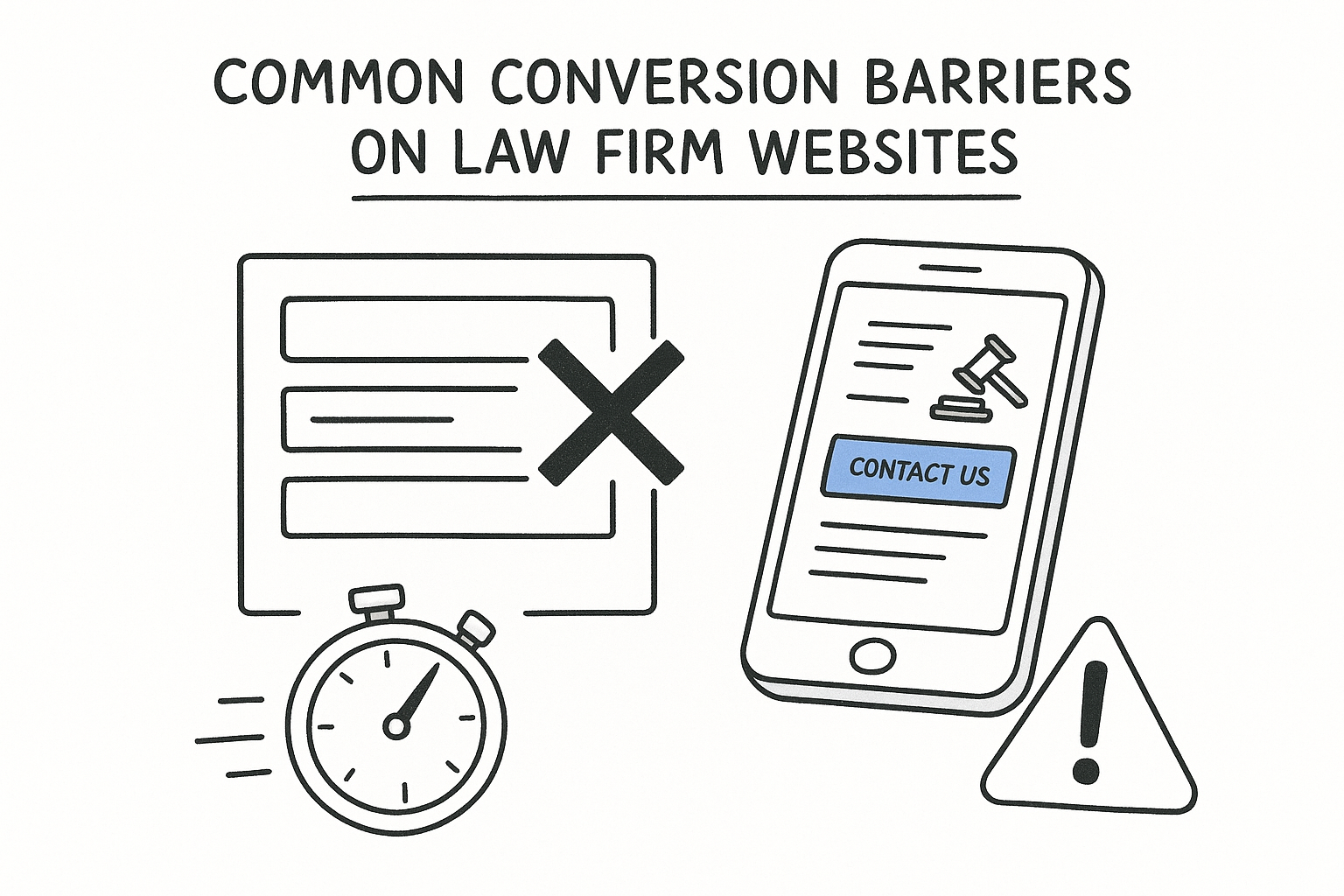
Certain problems show up on nearly every law firm site you audit, regardless of practice area or market size. Recognizing these patterns before you start speeds up the process, since you already know what to look for instead of discovering it cold. A website conversion audit built around these common barriers will find most of your leaks faster than a generic checklist built for retail or SaaS sites.
Forms that ask for too much, too soon
Many intake forms ask for case details, injury descriptions, or employer names before a visitor has decided to trust your firm with anything. That's backwards. Form friction like this drives abandonment right when a lead is most likely to convert, because you're asking for commitment before you've earned it. Strip the first form down to name, phone, and a one-line case description, and save the deeper intake questions for after the lead has engaged.
Mobile pages that don't match mobile behavior
A large share of legal ad traffic lands on a phone, yet plenty of firm websites still render as a shrunk-down desktop layout. Fields that require zooming, date pickers built for a mouse, and buttons placed too close together all cost you leads that never show up in any report, they just look like traffic that bounced. Mobile conversion barriers are usually invisible until you test your own site on your own phone.
If your form works fine on a laptop but frustrates you on your phone, it's costing you cases every single day.
Vague calls to action
"Contact Us" tells a visitor nothing about what happens next or how fast. "Get a Free Case Review" or "Talk to an Attorney Today" sets a clearer expectation and tends to pull more clicks, one of several website design details that decide whether a visitor converts, since it answers the visitor's real question: what do I get if I click this.
Missing urgency and reassurance
Someone filling out a legal intake form is often anxious, whether it's a DUI charge or an injury claim. Pages that skip basic reassurance, like what happens after they submit or how quickly someone will call, leave that anxiety unaddressed and give the visitor a reason to close the tab and search for another firm instead.
Slow load times on ad landing pages
A landing page that takes more than a few seconds to load on mobile data loses visitors before they see any content at all, which is why fast loading tops every landing page checklist. Since Google's PageSpeed Insights can flag this in minutes, there's no excuse for a slow-loading page to sit at the top of your paid traffic funnel unnoticed.
How often should your firm repeat a CRO audit?
Most firms should run a full conversion rate optimization audit every quarter, with a lighter check-in monthly on whatever campaign is spending the most. Waiting a full year between audits means you're accumulating leaks for months before you ever notice them, and by then the wasted spend has already added up to real money. Quarterly gives you enough time to see whether a fix actually worked, without letting a new problem sit unaddressed for too long.
Set a baseline cadence
Pick a fixed schedule and stick to it rather than auditing only when something feels off, since problems that develop slowly rarely feel urgent until they've cost you thousands in wasted ad spend. A simple pattern that works for most firms: a full audit every quarter covering every stage of the funnel, plus a 15-minute check on your top-spending campaign every month, which a free marketing health scorecard for law firms can speed up. Consistent auditing beats a single deep audit followed by months of no attention.
The firms that lose the least money to intake leaks aren't the ones with the fanciest tools, they're the ones who check on a schedule instead of waiting for a problem to become obvious.
Audit immediately after these triggers
Certain events should trigger an audit outside your normal schedule, regardless of when the last one happened:
- You launch a new campaign or expand into a new practice area
- Your form, landing page, or intake process gets redesigned
- Ad spend increases significantly in a short window
- Cost per signed case rises without an obvious explanation
- You add a new call tracking number or change your after-hours coverage
Any one of these can quietly break something that was working fine before, and waiting for your next scheduled quarter to catch it means paying for the mistake longer than necessary.
Continuous monitoring reduces how much manual auditing you need
A quarterly manual audit is the minimum, but it's not the only option. Tools that track cost per signed case by campaign continuously, flag slow response windows, and surface drop-off by funnel stage cut down on how much of this you have to do by hand. GavelGrow's platform for continuous funnel tracking shows this data all the time rather than as a quarterly snapshot, which means you can spot a leak the week it starts rather than the quarter you finally audit. Whichever approach you use, the point is the same: don't let months pass without checking whether your intake path is still doing its job.
A practical CRO audit checklist for law firms
Use this checklist as a working document, not a one-time exercise. Print it, drop it into a shared doc, and run through it every quarter as described above. Each section below maps to a stage of the funnel, so you can assign different items to whoever owns marketing, intake, or front desk operations at your firm.
Funnel data checklist
Before you touch a single page, pull the numbers that tell you where to look. Funnel data without a comparison point is just a list of numbers, so pull at least two months side by side.
- Click volume, form starts, and form completions by campaign
- Calls received versus calls answered, by number and time of day
- Signed cases by campaign, not just leads
- Cost per signed case compared to the prior month and prior quarter
- Device breakdown (mobile versus desktop) for every metric above
On-page and form checklist
Walk your top landing pages and forms exactly the way a stressed, mobile visitor would. Landing page review should happen on an actual phone, not a resized browser window.
- Load time under a few seconds on mobile data
- Headline matches the exact ad that drove the click
- Form asks for name, phone, and a one-line case description only, on the first step
- Consent checkbox language is clear and logs to your audit trail
- Confirmation message tells the visitor what happens next and how fast
A checklist only works if someone actually owns each line item and reports back on it.
Call and response checklist
Phone leads deserve the same scrutiny as form leads, since a missed call is a lost case just as much as an abandoned form. Call handling gaps are some of the easiest fixes on this entire list.
- Every tracking number rings through during business hours
- After-hours calls trigger an automatic missed-call text
- Average first-contact time is under five minutes
- Call outcomes are tagged (qualified, callback, unqualified, spam)
- SMS opt-out keywords (STOP, HELP) are handled automatically
Turning checkmarks into fixes
Once you've worked through every item, rank the failures by lead volume and fix effort, the same way you did earlier in the audit process. Skip the temptation to fix everything at once. A firm that closes three high-volume leaks this month will see its cost per signed case move faster than one chasing a dozen minor items spread across every campaign.
Frequently asked questions
What does a CRO audit actually check on a law firm website?
Every step between an ad click and a signed case, not just page design. That covers landing page speed, form length and mobile rendering, consent language and TCPA logging, call answer rates, missed-call handling and time to first contact. For speed, use Google's Core Web Vitals as the yardstick: a Largest Contentful Paint of 2.5 seconds or less, Interaction to Next Paint of 200 milliseconds or less, and Cumulative Layout Shift of 0.1 or less count as good. Then tie each finding back to cost per signed case, the number a managing partner actually acts on.
How long does a CRO audit take for a solo or small firm?
Plan on four to six hours for a first pass if you pull the data by hand and test your top three landing pages and forms yourself, and a full day for a firm with several practice areas and markets. Before you start, check your Google Analytics 4 data retention setting: the event-level data behind Explorations is kept for two months by default, and a standard property can keep it for 14 months, so change it now if you want quarter-over-quarter comparisons. Later audits go faster because you're comparing against a known baseline.
Can you run a CRO audit without hiring an agency?
Yes. Pulling funnel numbers, walking your own forms on a phone and calling your tracking numbers after hours take a spreadsheet and some discipline, not an agency. Google's free PageSpeed Insights covers speed: it shows how real Chrome users experienced a page over the previous 28 days, next to a lab test you can rerun after each fix. Where firms usually struggle is matching calls to campaigns and comparing cost per signed case across channels by hand. Software can automate that matching, and bringing in a conversion rate optimization consultant stays optional.
What's the difference between a CRO audit and a website redesign?
A redesign changes how your site looks; a CRO audit tells you which changes will move signed cases before you spend money on any of them. The order matters for paid traffic, because Google Ads counts landing page experience as one of the three components of Quality Score, alongside expected click-through rate and ad relevance. A redesign that slows the page or buries the intake form can hurt that rating and raise what you pay per click, while leaving the real leak, such as slow call response, untouched. Audit first, then redesign only what the numbers point to.
Does GavelGrow perform CRO audits as part of its platform or services?
Both, in different ways. The platform keeps much of an audit's raw data current: it reports cost per signed case by campaign, ties calls from tracking numbers back to the campaign that produced them, shows speed-to-lead on every lead and flags the ones nobody has contacted yet, starting with the Track plan at $199 a month. If you'd rather hand the work off, you can book a conversion audit, and GavelGrow's conversion optimization service rebuilds pages, forms and intake steps, reading every test against consults and signed cases rather than form fills.
Turning your audit findings into signed cases
A CRO audit only matters if it changes what happens next week, not just what you know. Once you've ranked your leaks by volume and fixed the highest-impact ones, the real test is whether your cost per signed case actually drops over the following month. If it doesn't move, you either fixed the wrong stage or missed a bigger leak further down the funnel, so go back to your data and check again.
Most firms find the same handful of problems: forms asking too much too soon, missed calls with no text-back, and follow-up that's too slow to matter. Fixing those rarely requires new ad spend, just attention. If you'd rather have someone else run this process on a schedule instead of squeezing it in between cases, law firm conversion optimization done for you covers exactly that, from the audit through the fixes and the tests that follow.
Frequently Asked Questions
What does a CRO audit actually check on a law firm website?
Every step between an ad click and a signed case, not just page design. That covers landing page speed, form length and mobile rendering, consent language and TCPA logging, call answer rates, missed-call handling and time to first contact. For speed, use Google's Core Web Vitals as the yardstick: a Largest Contentful Paint of 2.5 seconds or less, Interaction to Next Paint of 200 milliseconds or less, and Cumulative Layout Shift of 0.1 or less count as good. Then tie each finding back to cost per signed case, the number a managing partner actually acts on.
How long does a CRO audit take for a solo or small firm?
Plan on four to six hours for a first pass if you pull the data by hand and test your top three landing pages and forms yourself, and a full day for a firm with several practice areas and markets. Before you start, check your Google Analytics 4 data retention setting: the event-level data behind Explorations is kept for two months by default, and a standard property can keep it for 14 months, so change it now if you want quarter-over-quarter comparisons. Later audits go faster because you're comparing against a known baseline.
Can you run a CRO audit without hiring an agency?
Yes. Pulling funnel numbers, walking your own forms on a phone and calling your tracking numbers after hours take a spreadsheet and some discipline, not an agency. Google's free PageSpeed Insights covers speed: it shows how real Chrome users experienced a page over the previous 28 days, next to a lab test you can rerun after each fix. Where firms usually struggle is matching calls to campaigns and comparing cost per signed case across channels by hand. Software can automate that matching, and bringing in a conversion rate optimization consultant stays optional.
What's the difference between a CRO audit and a website redesign?
A redesign changes how your site looks; a CRO audit tells you which changes will move signed cases before you spend money on any of them. The order matters for paid traffic, because Google Ads counts landing page experience as one of the three components of Quality Score, alongside expected click-through rate and ad relevance. A redesign that slows the page or buries the intake form can hurt that rating and raise what you pay per click, while leaving the real leak, such as slow call response, untouched. Audit first, then redesign only what the numbers point to.
Does GavelGrow perform CRO audits as part of its platform or services?
Both, in different ways. The platform keeps much of an audit's raw data current: it reports cost per signed case by campaign, ties calls from tracking numbers back to the campaign that produced them, shows speed-to-lead on every lead and flags the ones nobody has contacted yet, starting with the Track plan at $199 a month. If you'd rather hand the work off, you can book a conversion audit, and GavelGrow's conversion optimization service rebuilds pages, forms and intake steps, reading every test against consults and signed cases rather than form fills.